
Looking for Waalaxy alternatives? Before you switch tools, check these points first. This blog is published by Waalaxy, the LinkedIn and email outreach automation tool used by 200,000+ sales people, so the fixes below come from inside the product. Most reasons to leave (price, low reply rates, worries about your LinkedIn account, the need for email) already have a fix inside Waalaxy. Here it is, step by step, with a link to the help center article behind each fix.
And if Waalaxy truly isn't the right fit, you'll also get an honest answer on which alternative to Waalaxy fits your need.
The fixes below come from the Waalaxy help center. Prices for the other tools come from their official websites. Ratings and reviews were read on G2, Capterra and Google.
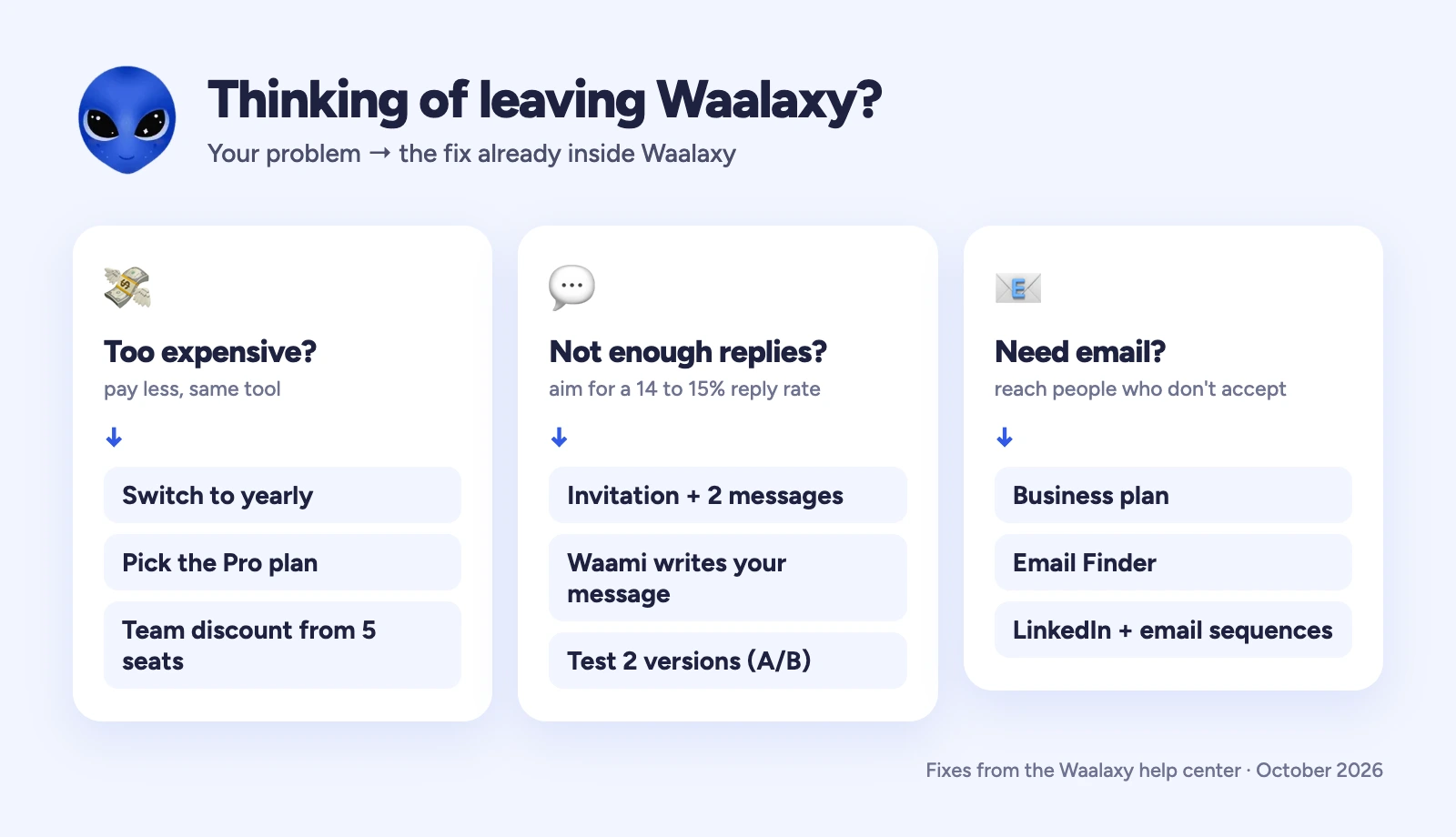
Before looking for Waalaxy alternatives: common reasons to leave
Waalaxy costs you too much
The problem: you're on a monthly plan and the bill hurts enough to make you look for an alternative to Waalaxy.
The fix:
Switch to yearly billing. Pro drops from €39/month to €19/month, Advanced from €99 to €49, Business from €139 to €69. Quarterly billing exists too. You pay for the whole period in one go.
The right plan. Pro has the same features as Advanced, with fewer invitations: about 11 per day, or 300 per month. Advanced (€49 billed yearly) goes to 80 to 100 invitations per day, or 200 per week, the LinkedIn limit. If you send fewer than 300 invitations a month, Advanced won't change anything for you.
The right timing. Upgrade whenever you want and pay only the prorated difference. A downgrade takes effect at your next renewal date: you keep your current plan until then.
Team discount. From 5 accounts, Waalaxy gives 10% off, up to 30% from 40 accounts. Ask support for the code.
All prices are on the pricing page. Plan details: what are the different subscriptions and how do I manage my subscription.
Your prospects don't reply enough
The problem: your campaigns run, but replies don't follow. Start with your number: according to the help center, a good reply rate sits around 14 to 15%. You'll find yours under Campaign > Analytics (campaign dashboard analytics).
The fix:
Tighten your LinkedIn search. Use the "Title" filter instead of keywords, and stay under 1,000 results per search (split by region if needed). How to do a good LinkedIn search.
Pick the right sequence. The "Invitation + 2 Messages" sequence has the highest reply rate for a first contact (40% according to the help center). How to choose the right sequence.
Personalize with variables. First name, last name and company, plus your own variables through custom properties. Waalaxy cleans names (emojis, titles, capital letters) so they read well. Personalize your messages with variables.
AI first draft. Waami, Waalaxy's message generator, writes your message from your target, your value proposition and your call to action. You'll find it in the Messages section of your campaigns. What's the Waami feature.
Test two versions. Two lists of 100 prospects, two campaigns, one difference (the note or the message). Wait 28 to 30 days, then compare. Set up an A/B test.
Follow up non-repliers. Filter your list on "Message sent, no reply", launch a message sequence and keep each message short, with one idea.
You're worried about your LinkedIn account
The problem: LinkedIn sent you a warning, or you're afraid it will.
The fix:
Know the limits. LinkedIn caps invitations at 200 per week. On top of this, Waalaxy applies daily quotas and changes the real volume every day, between 80% and 100% of the maximum, to mimic human behavior. What are quotas.
Lower your quotas yourself in Settings > Account activity, above all if your LinkedIn account sees little activity.
Warm up your account before automating: complete profile, 200 to 300 connections, a few posts and comments. How to warm up your LinkedIn account.
After a warning, log out of Waalaxy for 24 to 48 hours, then restart slowly. After a second one, wait until the restriction is fully lifted and cut your quotas in half. LinkedIn warning: understanding and managing restrictions.
Your campaigns are stuck, or you want a different sequence
The problem: nothing goes out anymore, or your sequence no longer fits.
The fix:
The colored dot. Check the one on your campaign. Red: no active prospects (for example, prospects already connected in an invitation sequence). Orange: your prospects are waiting for a condition, such as an accepted invitation. Green: actions are going out.
Check three settings: your daily quota might be reached, you might be outside your working hours (Settings > Account activity), or your LinkedIn credentials are missing (Settings > LinkedIn account). My campaign is frozen.
Switching sequences. No need to start over. A sequence doesn't change once built, but you're able to duplicate a campaign, and your message templates are saved: setting up a new campaign takes a few minutes. You're also able to edit a message mid-campaign (only prospects who haven't received it yet get the new version) and add prospects to a running campaign. FAQ: Waalaxy campaigns.
If none of this gets your campaign moving, write to support through the chat before looking for an alternative to Waalaxy: it's included in every plan.
You need email
The problem: you want to reach prospects who never accept your LinkedIn invitation.
The fix:
Cold email on Business. It's part of the Business plan. Connect your mailbox (Gmail, Outlook…) in Settings > Email accounts, filter your prospects on "Has a pro email", then pick an email sequence: up to 5 emails, with delays of up to 28 days. A prospect who replies leaves the campaign on their own. Launch an emailing campaign.
The Email Finder. It finds pro emails. Waalaxy queries several providers in a row until it finds an address. You get 25 credits per month on Pro and Advanced, 500 on Business (1 credit = 1 email found). If no email is found, you get the credit back. How does the find email work.
Mix both channels. The Business plan gives access to multichannel sequences, LinkedIn + email in the same campaign.
You work as a team or for clients
The problem: you run several LinkedIn accounts and spend your days juggling them.
The fix: the Team plan. One seat = one LinkedIn account. With it, you:
Set up your teammates' campaigns without logging in to their LinkedIn.
Import prospects from one account to another, to use one Sales Navigator for several accounts.
Stop two teammates from contacting the same person with anti-duplication (anti-duplication control within a team).
Share the team's Email Finder credits and pay a single invoice.
Each member keeps their own quotas. Seats aren't tied to a name: replace someone at no cost. You're able to try the Team plan free for 14 days (activate the Team plan free trial). Everything is explained in what's the Team feature.
You're lost in your LinkedIn replies
The problem: replies come in, but LinkedIn messaging turns into a mess.
The fix: the Waalaxy Inbox, an add-on at €20/month (€10/month billed yearly). Tag your prospects and filter conversations by tag, schedule a follow-up when a prospect says "get back to me in a month", and answer recurring questions with saved replies. What is the Waalaxy Inbox.

Your prospecting agent at half price, for life
€100€50/month, annual plan
Nov 27 12am to Nov 28 noon CET
Discover Waalaxy AI →14-day free trial
What Waalaxy users say
On G2, Waalaxy holds 4.5/5 from 1,703 reviews. On Google, one user sums it up like this:
"An essential tool for anyone doing B2B prospecting on LinkedIn." Ahmed A., May 2026, Google
Waalaxy also holds 4.5/5 on Capterra, and 75% of its users had never done LinkedIn prospecting before.
If you tried Waalaxy a long time ago, or without the settings above, the fair move is to give it another run before comparing. The trial lasts 14 days: enough to launch a clean campaign, with a tight search and an "Invitation + 2 Messages" sequence, and watch replies come in.
After two weeks, compare your reply rate with the 14 to 15% the help center gives as a benchmark: it's the best judge of whether to stay.
If Waalaxy truly isn't for you: which Waalaxy alternatives to pick
Waalaxy is built to automate LinkedIn without setup, with ready-to-use sequences. It has no email warm-up, no SMS or calls. Its sequence templates react to the prospect's status (connected or not, replied or not), but you don't build your own path or reorder the steps. And it has no built-in contact database. If this is exactly what you need, another tool will serve you better:
Email first: lemlist or Dripify.
Custom paths: La Growth Machine, Expandi or Linked Helper.
Multi-account agency: HeyReach.
Pipeline inbox: Kanbox.
Data or extraction: Apollo or PhantomBuster.
Tool | Best for | LinkedIn automation | Cold email | Starting price | Trial | G2 rating |
|---|---|---|---|---|---|---|
Waalaxy (reference) | Simple LinkedIn outreach, small budgets | From the Pro plan | Business plan | €19/month billed yearly (€39 monthly) | 14 days | 4.5/5 (1,703 reviews) |
lemlist | Email first | Multichannel plan | Yes, with warm-up | $55/month billed yearly ($69 monthly) | 14 days | 4.6/5 (2,591 reviews) |
Dripify | Email from the first plan | Yes | From the Pro plan | $59/month billed yearly ($79 monthly) | 7 days, no card | 4.5/5 (354 reviews) |
La Growth Machine | Custom sequences | Yes | Yes | €50/month billed yearly (€60 monthly), per identity | 14 days, no card | 4.6/5 (57 reviews) |
Expandi | Advanced sequences, agencies | Yes | Email follow-ups | $79/month billed yearly ($99 monthly) | 7 days | 4.3/5 (179 reviews) |
Linked Helper | Fine control, low budget | Yes, desktop app | No | $8.25/month on 12 months ($15 monthly) | 14 days on Pro | 4.5/5 (149 reviews) |
HeyReach | Many LinkedIn accounts | Yes | Through Instantly or Smartlead | $64/month billed yearly ($79 monthly), per sender | 14 days, no card | 4.6/5 (74 reviews) |
Kanbox | Inbox as a pipeline | Yes | Not stated (email finding included) | €15/month billed yearly (€25 monthly) | 15 days, no card | Not found |
PhantomBuster | Data extraction | Yes, through "Phantoms" | No | €56/month billed yearly (€69 monthly) | 14 days, no card | 4.4/5 (138 reviews) |
Apollo | B2B contact database | No | Yes | Free plan, then from $49/month | Free plan | 4.7/5 (9,857 reviews) |
Prices of these Waalaxy alternatives per user (or per seat, identity or sender) per month, taken from the official pricing pages.
1. lemlist: when email is your main channel
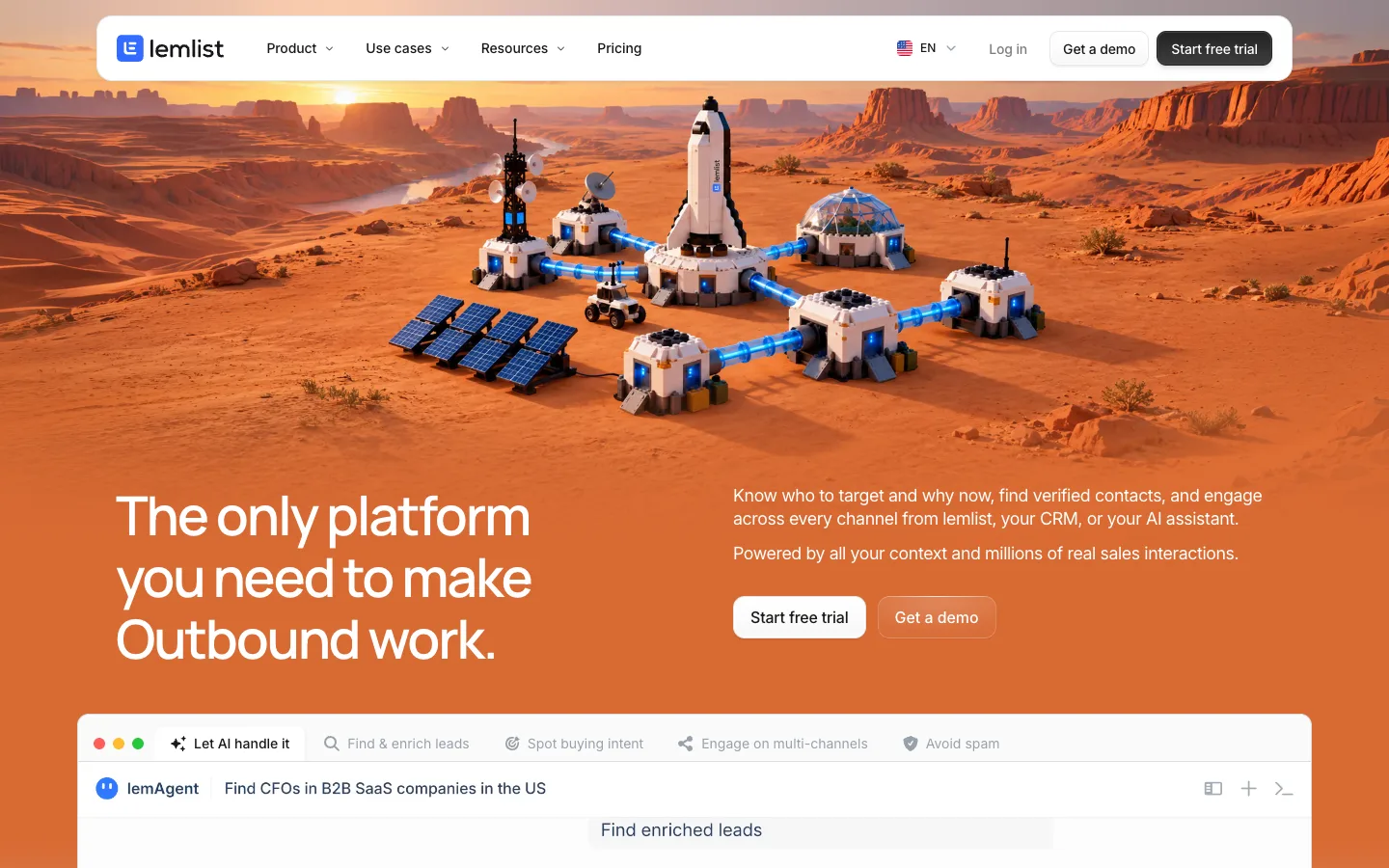
lemlist was born for cold email: inbox warm-up (lemwarm), a database of 650M+ contacts and, on the Multichannel plan, LinkedIn, SMS and calls. Email at $69/month ($55 billed yearly), Multichannel at $109 ($87). Limit: LinkedIn automation only comes with the Multichannel plan. Waalaxy vs lemlist, the full comparison.
2. Dripify: LinkedIn + email from the first plan
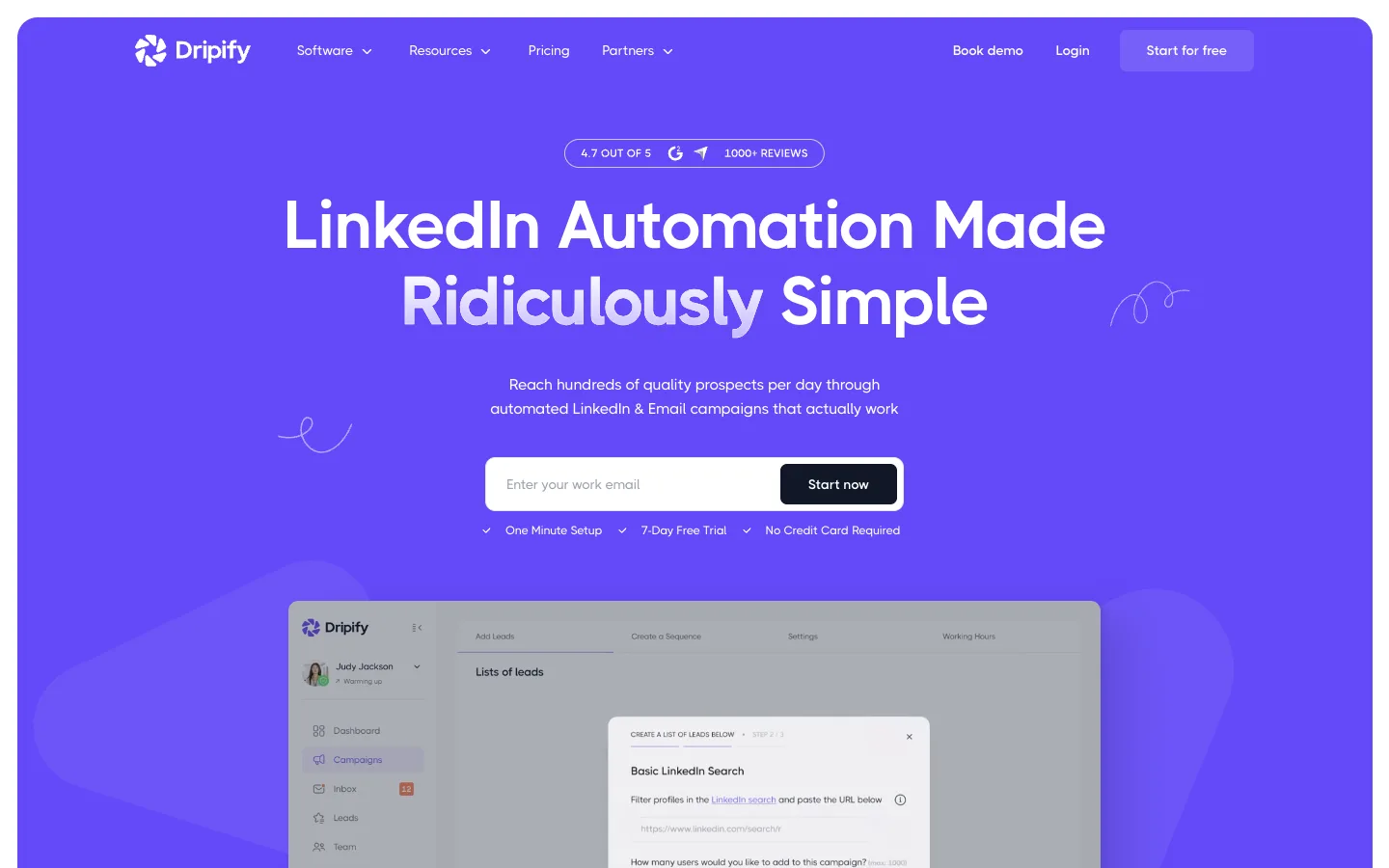
Dripify adds email steps and conditions from its Pro plan, with 100 email credits per month and the inbox included. Pro at $79/month ($59 billed yearly). Limit: prices in dollars only, and email credits don't roll over. Waalaxy vs Dripify, the full comparison.
3. La Growth Machine: custom multichannel sequences
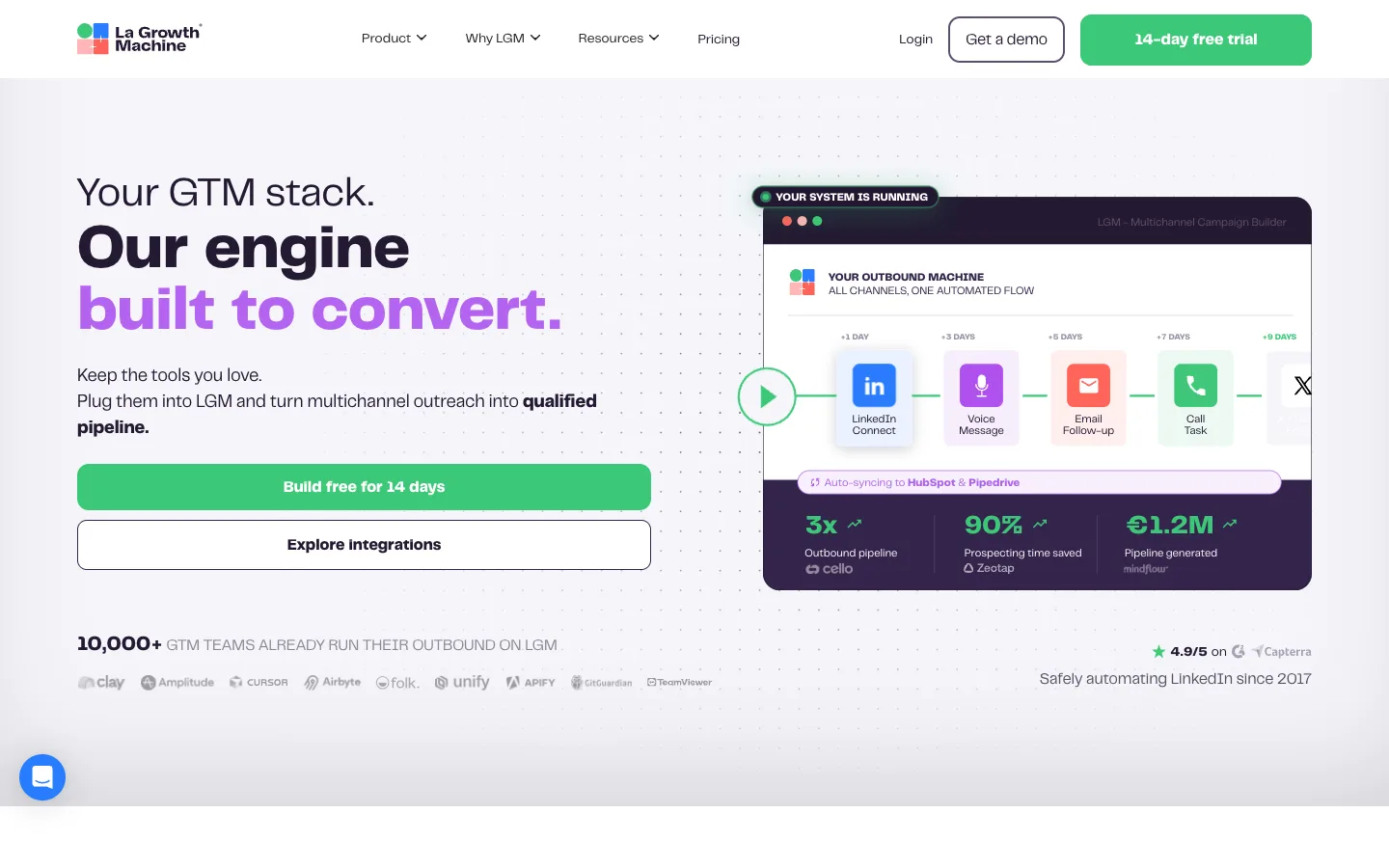
You design your own LinkedIn + email sequences, with conditions and A/B tests. Basic at €60/month per LinkedIn identity (€50 billed yearly). Limit: more settings means more time to learn, and each identity is billed separately. Waalaxy vs La Growth Machine, the full comparison.
4. Expandi: advanced sequences for agencies
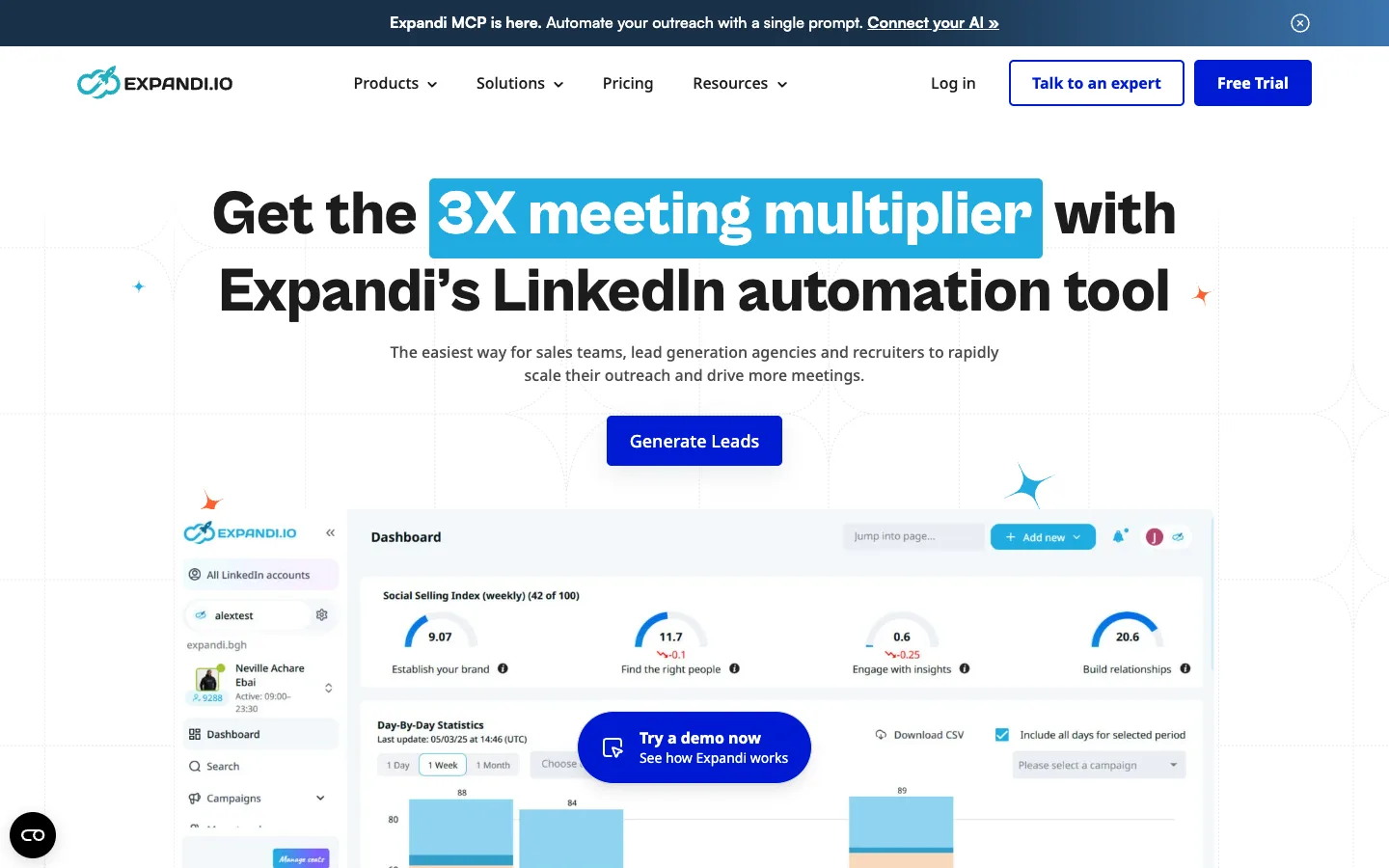
Conditional LinkedIn sequences and email follow-ups, with an Agency plan and white label on quote. Business at $99/month per seat ($79 billed yearly). Limit: a single public plan, in dollars. Waalaxy vs Expandi, the full comparison.
5. Linked Helper: full control, on your own computer
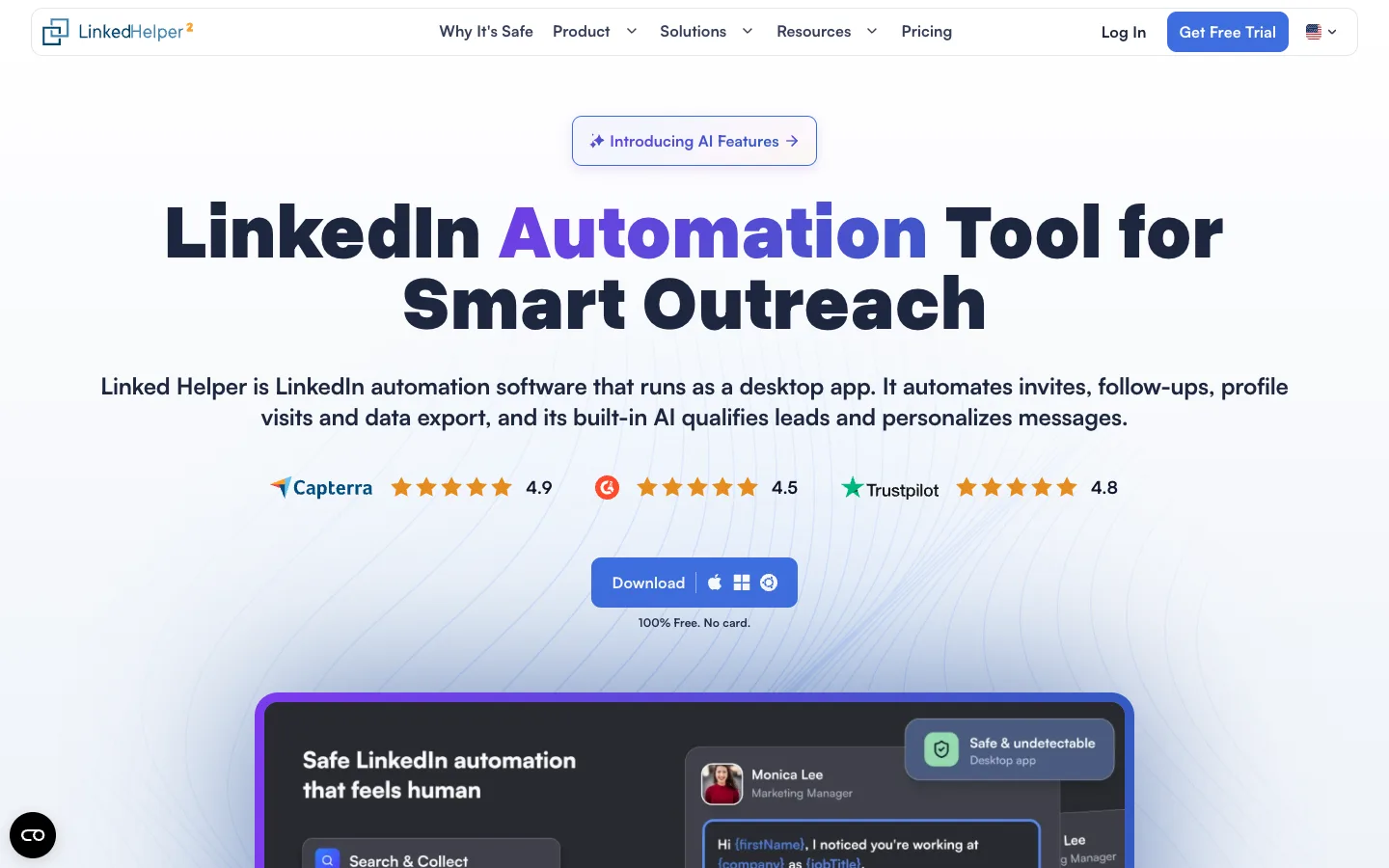
A feature-rich desktop app at $15/month per license ($8.25 on a 12-month plan). Limit: your computer has to stay on for campaigns to run. The full Linked Helper review.
6. HeyReach: many LinkedIn accounts in one campaign
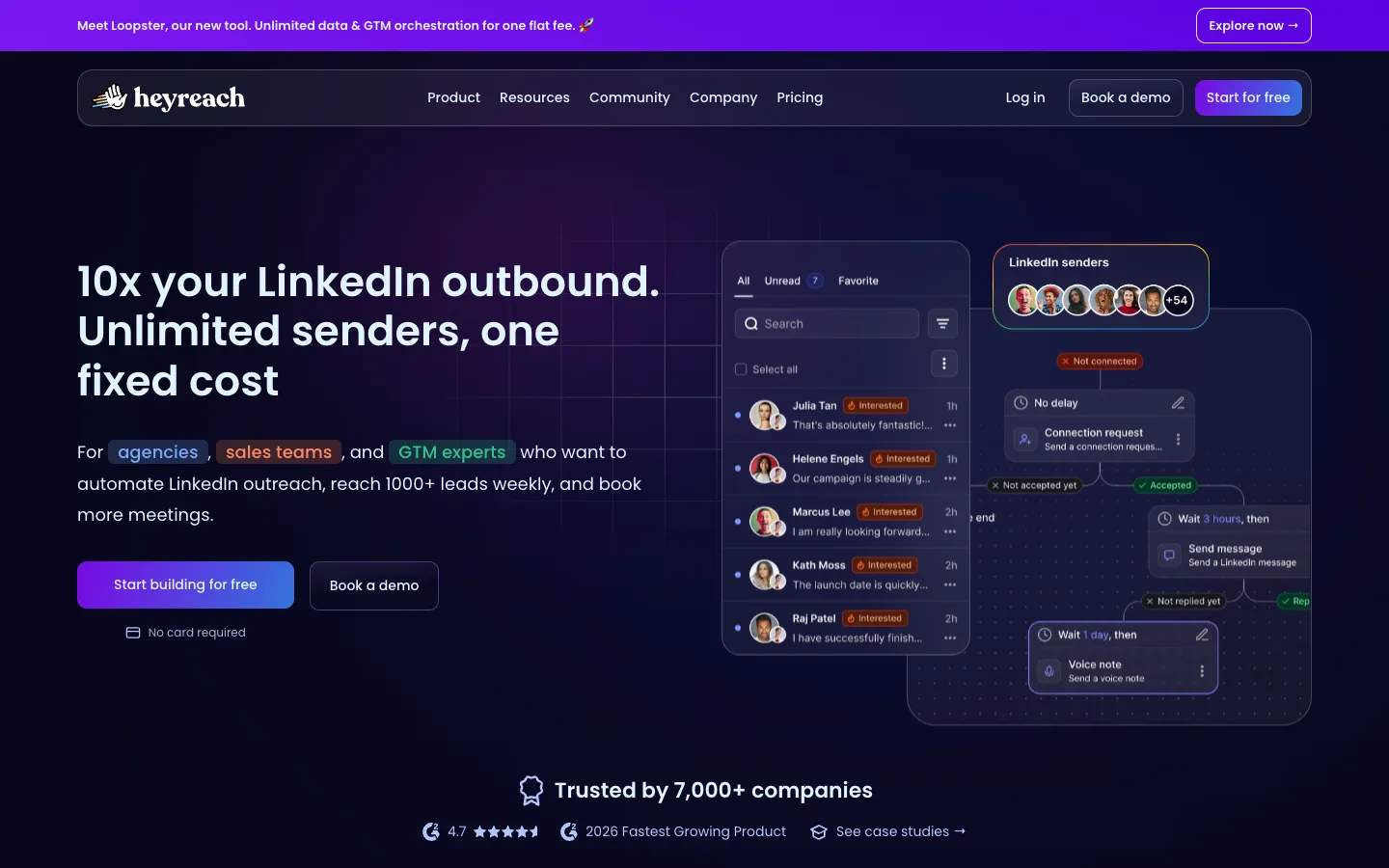
Billed per sender, with a unified inbox for every account. Growth at $79/month per sender ($64 billed yearly), agency bundles from $999/month. Limit: it doesn't send emails itself. The HeyReach review.
7. Kanbox: your LinkedIn inbox as a pipeline
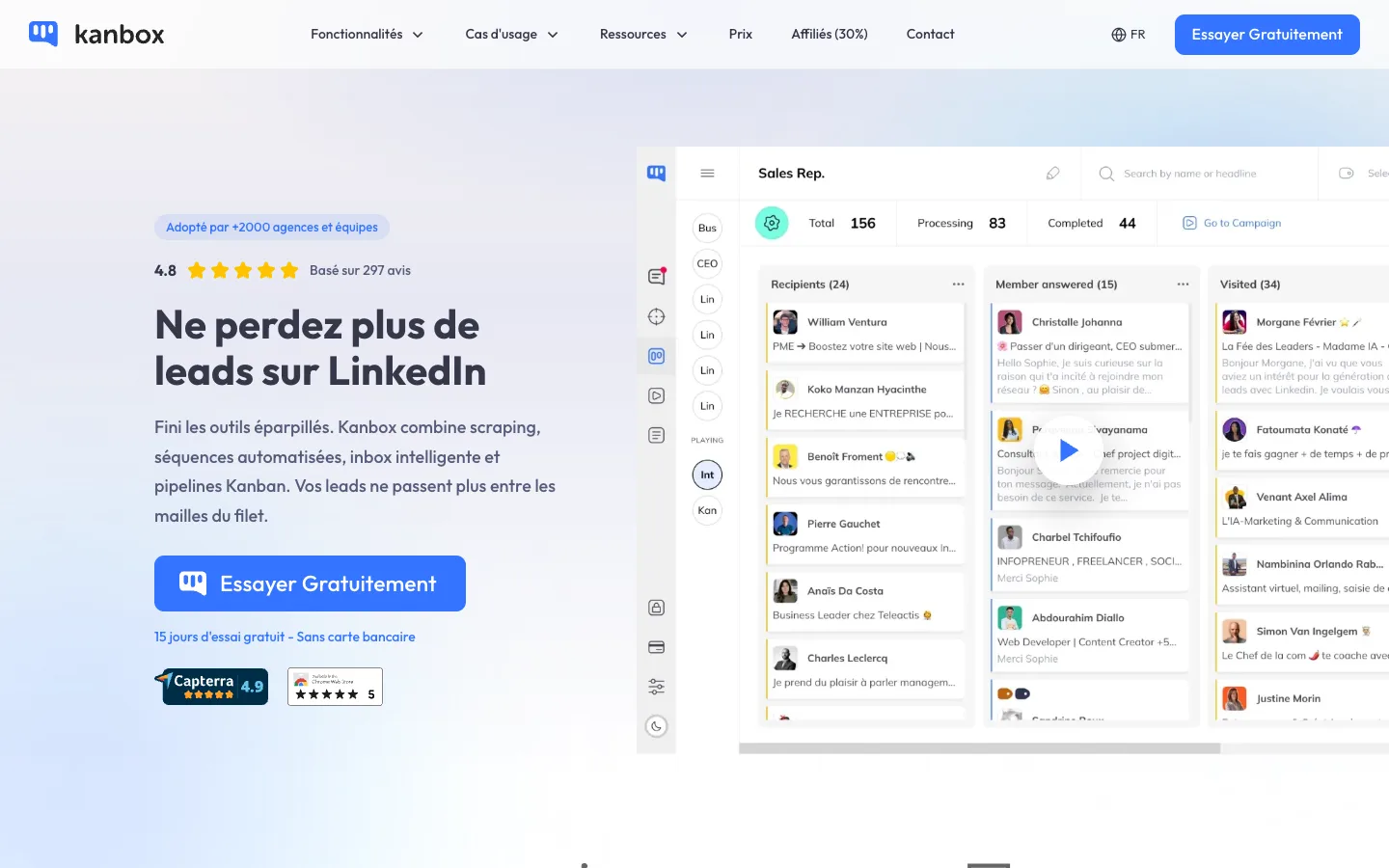
Your LinkedIn conversations sorted in columns, with tags and filters, plus simple campaigns. Starter at €25/month (€15 billed yearly). Limit: one campaign at a time and 300 imported prospects per month on Starter. Should you use Kanbox?
8. PhantomBuster: extract and enrich data
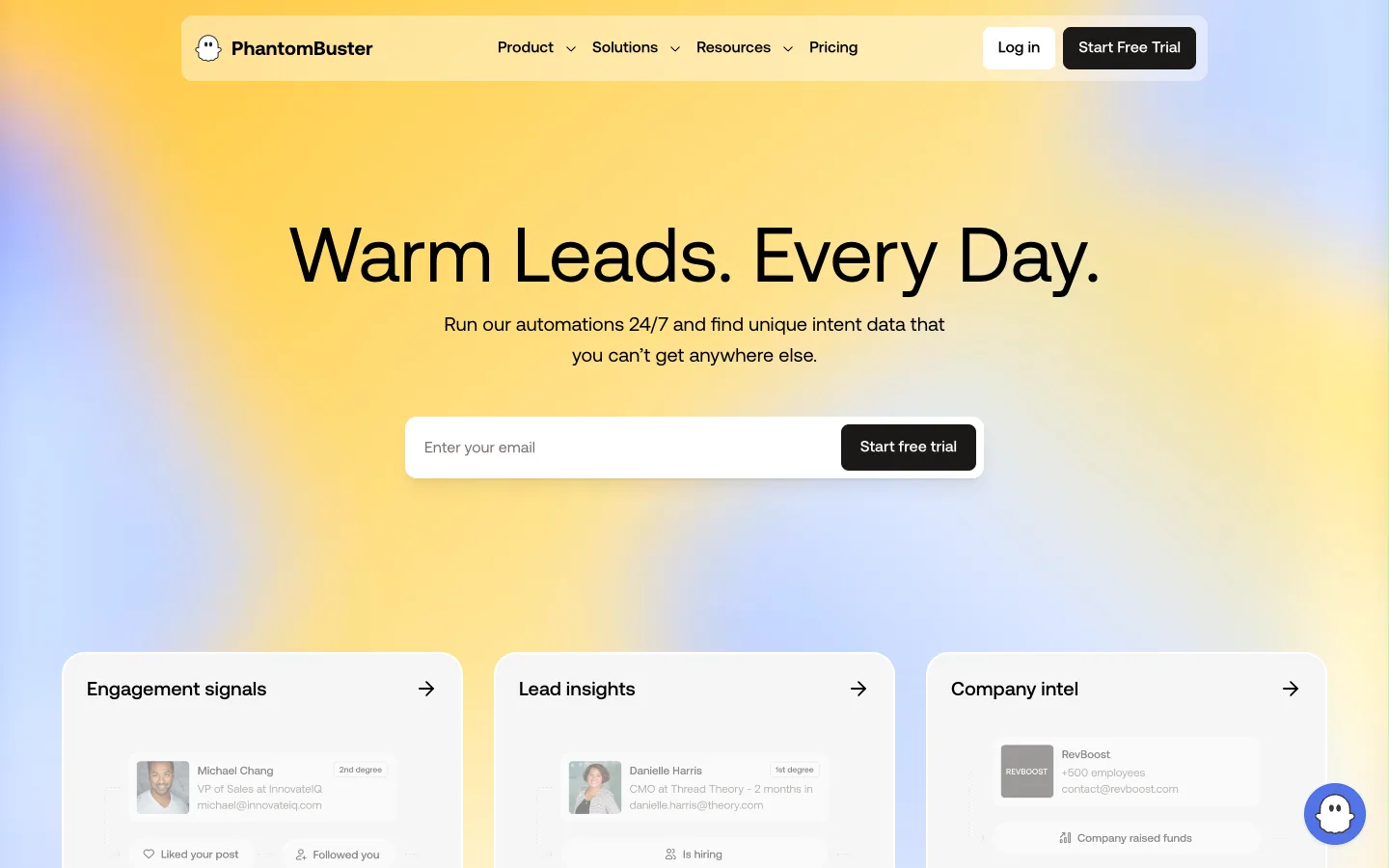
Small bots ("Phantoms") pulling LinkedIn searches, groups or Google Maps listings. Start at €69/month (€56 billed yearly) for 20 execution hours. Limit: once your hours run out, everything stops until next month. The PhantomBuster alternatives.
9. Apollo: a B2B contact database plus email sequences
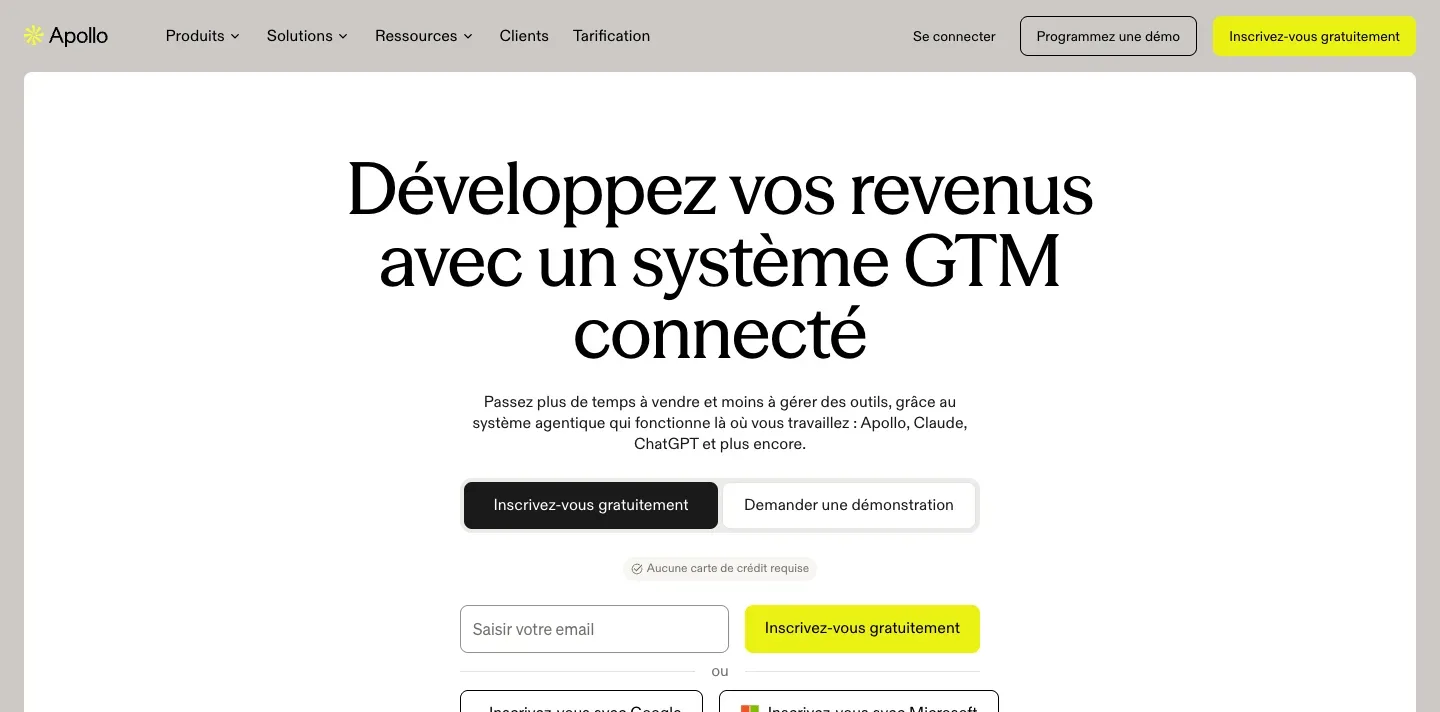
A contact database, email sequences and a free plan with no time limit, then Basic from $49/month per seat. Limit: no automated LinkedIn invitations or messages. The Apollo review.
If you leave for a Waalaxy alternative anyway: two things to do first
1. Export your prospects. From a list or a campaign, select your prospects, click "Export", then "Download CSV". The file holds the name, job title, company, LinkedIn URL, the email if one was found and the status of each conversation. Export your prospects to a CSV file.
2. Turn off auto-renewal. Go to Settings > Invoices > Manage my subscription, no later than 24 hours before your renewal date. You keep access until the end of the paid period, then your account moves to the Freemium version: your prospects and campaigns stay viewable. Payment, cancellation and refund.
Want to delete your account and data too? Ask support once your subscription has ended. Deletion is final, so export everything first. How to delete your Waalaxy account.