
Looking for an honest Octopus CRM review, its pricing, or the best Octopus CRM alternatives in 2026? Here's the answer first. Octopus CRM is a Chrome extension for LinkedIn automation, and one of the cheapest on the market: from $6.99/month billed yearly. People leave it because it lives in the browser, it stays on LinkedIn, and its automation is basic. Here are 8 alternatives to Octopus CRM, sorted by need.
Here's the short version:
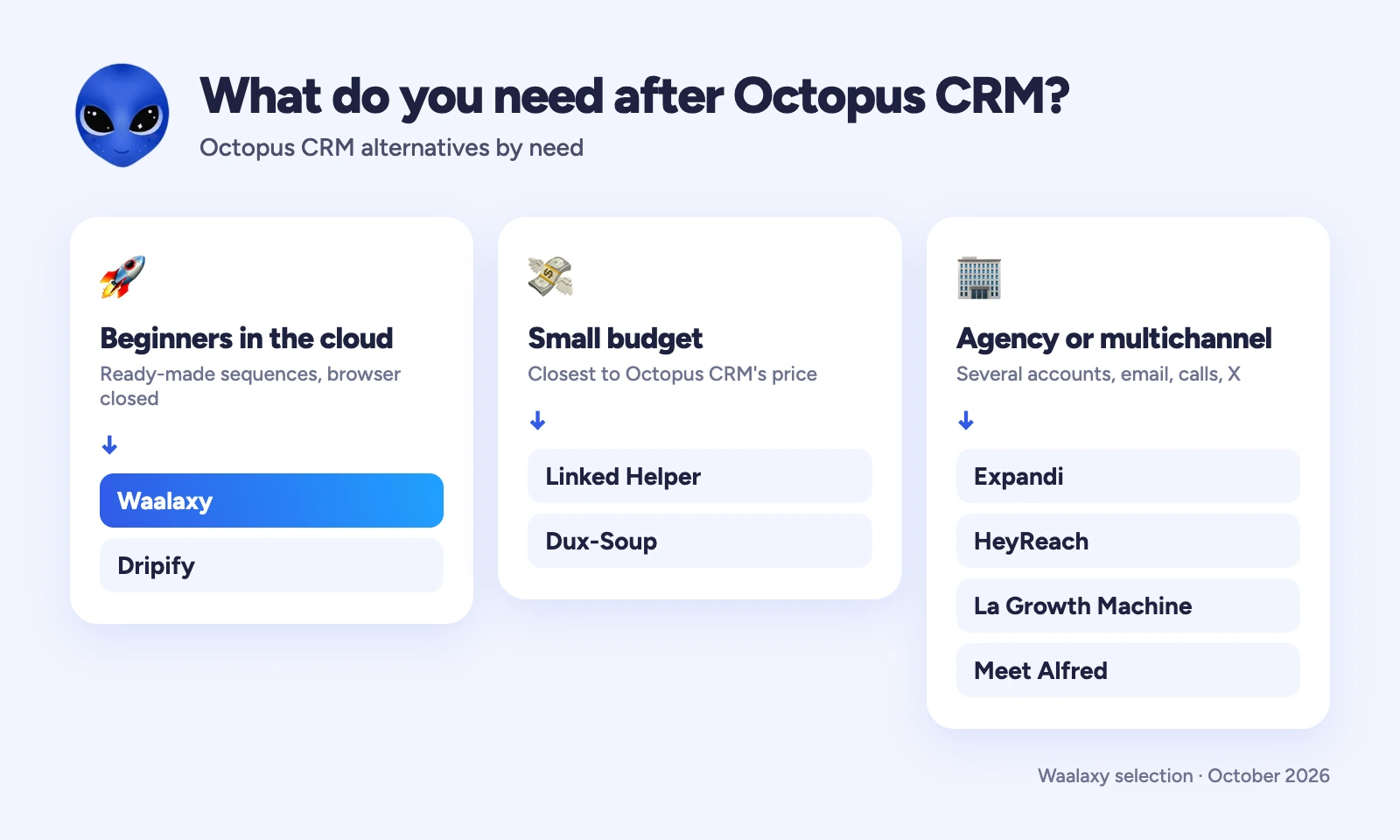
You're starting out and want to move from the browser to the cloud: Waalaxy, the LinkedIn and email outreach automation tool behind this blog, used by 200,000+ sales people. Or Dripify.
You don't want to drift far from Octopus CRM's price: Linked Helper, or Dux-Soup (sold today as STACKED).
You run LinkedIn accounts for clients: Expandi or HeyReach.
You want email on top of your LinkedIn invitations: La Growth Machine or Meet Alfred.
Every price on this page comes from the tool's official website. Ratings and reviews were read on G2, Capterra and Google.
Octopus CRM review and pricing
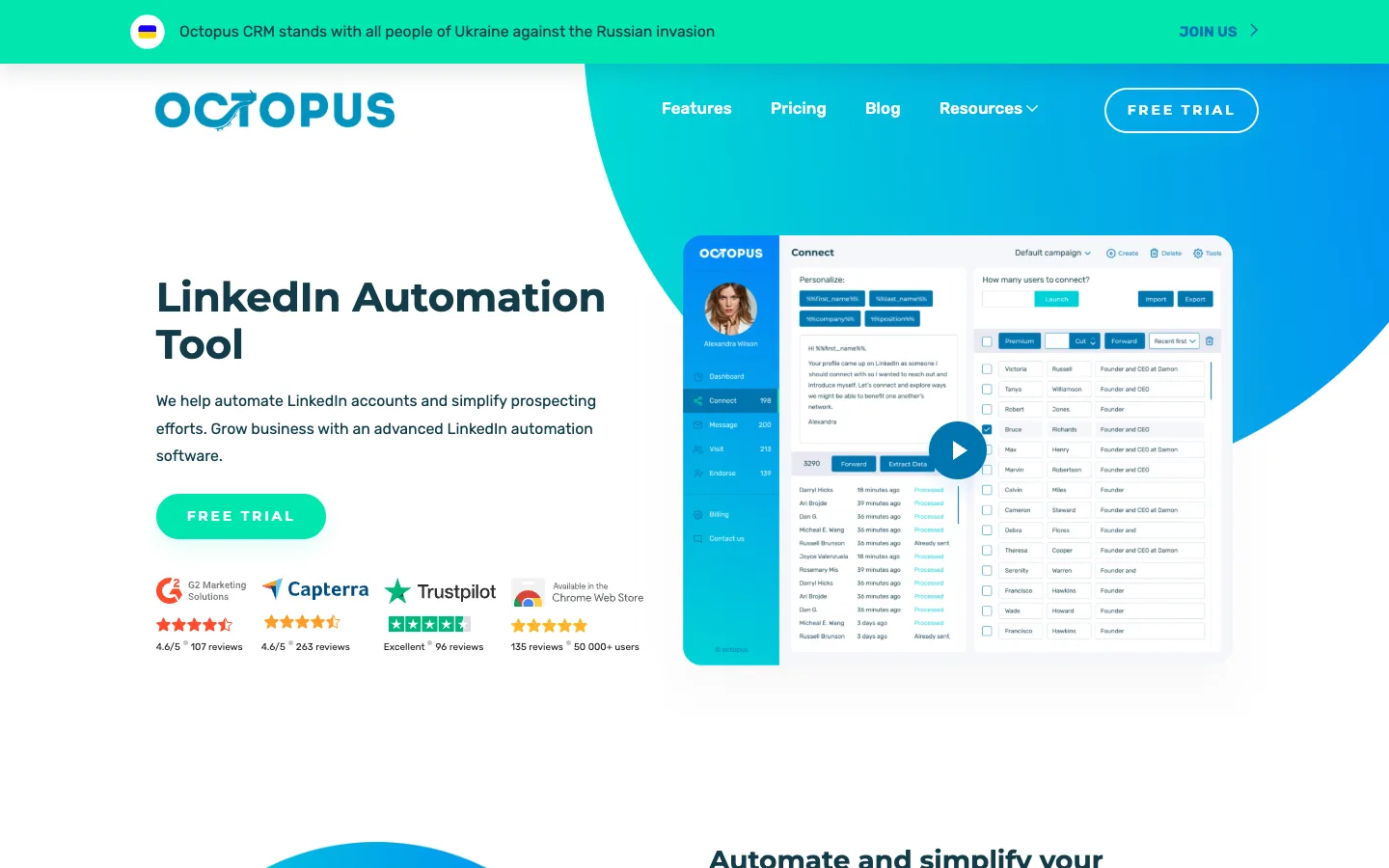
Octopus CRM automates LinkedIn from a Chrome extension: the free trial installs from the Chrome Web Store. It sends personalized invitations, bulk messages to your 1st-degree connections, profile visits and skill endorsements. It also adds a personal CRM with stats, funnels, CSV import and export, and a Zapier integration, which forwards data to HubSpot and other apps.
How much does Octopus CRM cost?
Plan | No commitment | Billed yearly, per month | LinkedIn account types |
|---|---|---|---|
Starter | $9.99 | $6.99/month | Free LinkedIn and Sales Navigator |
Pro | $14.99 | $9.99/month | Free LinkedIn and Sales Navigator |
Advanced | $21.99 | $14.99/month | Free LinkedIn and Sales Navigator |
Unlimited | $39.99 | $24.99/month | Adds Premium and Recruiter |
Prices per month, in dollars, from octopuscrm.io. The yearly toggle reads "Annually -35%". Every plan comes with a 7-day trial, no credit card. Agencies managing 20+ accounts get pricing on request. The pricing section lists one set of features and doesn't detail what changes from one plan to the next. The website lists no email sequences and no cloud version.
On price, Octopus CRM is hard to beat. No tool in this list costs less, Waalaxy included.
What users say about Octopus CRM
On G2, Octopus CRM holds 4.3/5 from 118 reviews. Happy users praise how well it works for LinkedIn prospecting:
"Total game-changer if you’re doing sales or lead gen on LinkedIn." Verified User, July 2025, G2
People who leave mention the level of automation and the support:
"Inefficient Support, Basic Automation" Daniel G., 1 star, February 2026, G2
Bottom line: Octopus CRM is a fair pick for a solo user on a tight budget who wants basic LinkedIn automation. People look for an Octopus CRM alternative for three reasons: they want a cloud tool, they need email, or they manage a team or clients.

Your prospecting agent at half price, for life
€100€50/month, annual plan
Nov 27 12am to Nov 28 noon CET
Discover Waalaxy AI →14-day free trial
Octopus CRM alternatives at a glance
Tool | Right pick if you leave Octopus CRM to… | Starting price | LinkedIn + email in one sequence | Extension, desktop or cloud | Trial | G2 rating |
|---|---|---|---|---|---|---|
Octopus CRM (reference) | Stay solo on a minimal budget | $9.99 a month, or $6.99 billed yearly | No email sequences listed | Chrome extension | 7 days, no card | 4.3/5 (118 reviews) |
Waalaxy | Move to the cloud without building anything | €39 a month, or €19 billed yearly | Yes, Business plan | Cloud | 14 days | 4.5/5 (1,703 reviews) |
Dripify | Get email from the entry plan | $79 a month, or $59 billed yearly | Yes, from Pro | Cloud | 7 days, no card | 4.5/5 (354 reviews) |
Linked Helper | Keep a similar budget | $15 a month, or $8.25 on 12 months | Not listed on the pricing page | Desktop app | 14 days on Pro, no card | 4.5/5 (149 reviews) |
Dux-Soup (STACKED) | Choose between desktop and cloud | $55 a month, or $41.25 billed yearly | No, LinkedIn only | Desktop app or cloud | Offered, length not stated | 4.4/5 (91 reviews) |
Expandi | Run conditional sequences for clients | $99 a month, or $79 billed yearly | Yes | Cloud | 7 days | 4.3/5 (179 reviews) |
HeyReach | Group many accounts in one place | $79 per account, or $64 billed yearly | Through Instantly or Smartlead | Cloud | Length not stated | 4.6/5 (74 reviews) |
La Growth Machine | Add email, calls and X | €60 per identity, or €50 billed yearly | Yes | Cloud | 14 days | 4.6/5 (57 reviews) |
Meet Alfred | Several channels on a small budget | $39 billed yearly | Yes, from Agency | Cloud | 7 days | 4.3/5 (52 reviews) |
Monthly prices per user, seat, license or account depending on the tool, read on each official pricing page.
The best Octopus CRM alternative for beginners
You picked Octopus CRM because it looked simple and cheap. If you're starting out, two things matter more than the price tag: a tool running in the cloud, with your browser closed, and sequences you launch without building them.
1. Waalaxy: Octopus CRM's simplicity, without the open browser
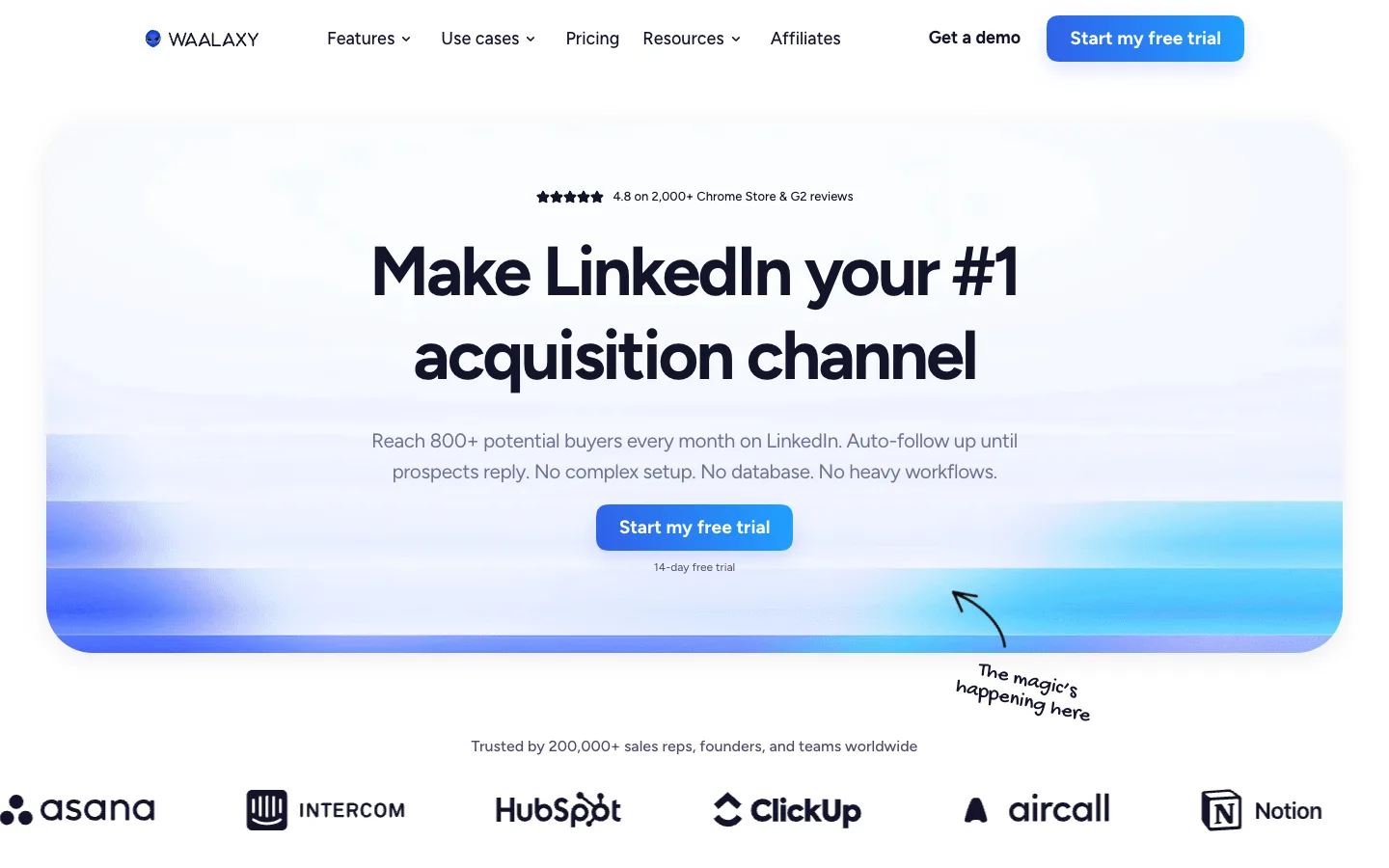
Best for: the freelancer, founder or recruiter who used Octopus CRM alone and is tired of leaving Chrome running.
Octopus CRM stops when you close your browser. Waalaxy runs your campaigns on its own servers: import a LinkedIn, Sales Navigator or Recruiter Lite search, take a ready-made sequence (invitation, message, follow-ups) and switch your computer off. The first one takes under 10 minutes. And if prospecting is new to you, you're in good company: 75% of Waalaxy users had never done LinkedIn outreach before.
Sequence templates: Saturn, Ganymede or Elysium react to the prospect's status (invitation accepted or not, replied or not).
Emails found for you: 25 to 500 a month depending on the plan, 20+ sources, triple verification.
No team duplicates, on every plan: two colleagues never contact the same person.
Reply sorting: sentiment detection is part of the Inbox, an add-on at €10/month billed yearly.
CRM link: HubSpot, Pipedrive and NoCRM natively; Salesforce, Zoho, Sellsy, Brevo, Airtable or Google Sheets through Zapier, Make or n8n.
Fixed IP: your campaign runs in the cloud from a fixed VPN IP address unique to each user.
Pricing: €39/month with no commitment for Pro, or €19 billed yearly. Advanced goes to €99 (€49 billed yearly), Business to €139 (€69 billed yearly). The free trial lasts 14 days, double Octopus CRM's. The pricing page shows prices for your country, in your currency.
Honest limit: the price gap with Octopus CRM is real. Pro is capped at about 11 invitations a day (300 a month): to reach 80 to 100 a day (200 a week, the LinkedIn limit), you need Advanced at €49. You pick a sequence template; you don't draw your own path or reorder the steps. Email in the same campaign needs Business. If price is all that matters, keep Octopus CRM or look at Linked Helper.
G2 rating: 4.5/5 from 1,703 reviews.
"An essential tool for anyone doing B2B prospecting on LinkedIn." Ahmed A., May 2026, Google
2. Dripify: the email the extension never had
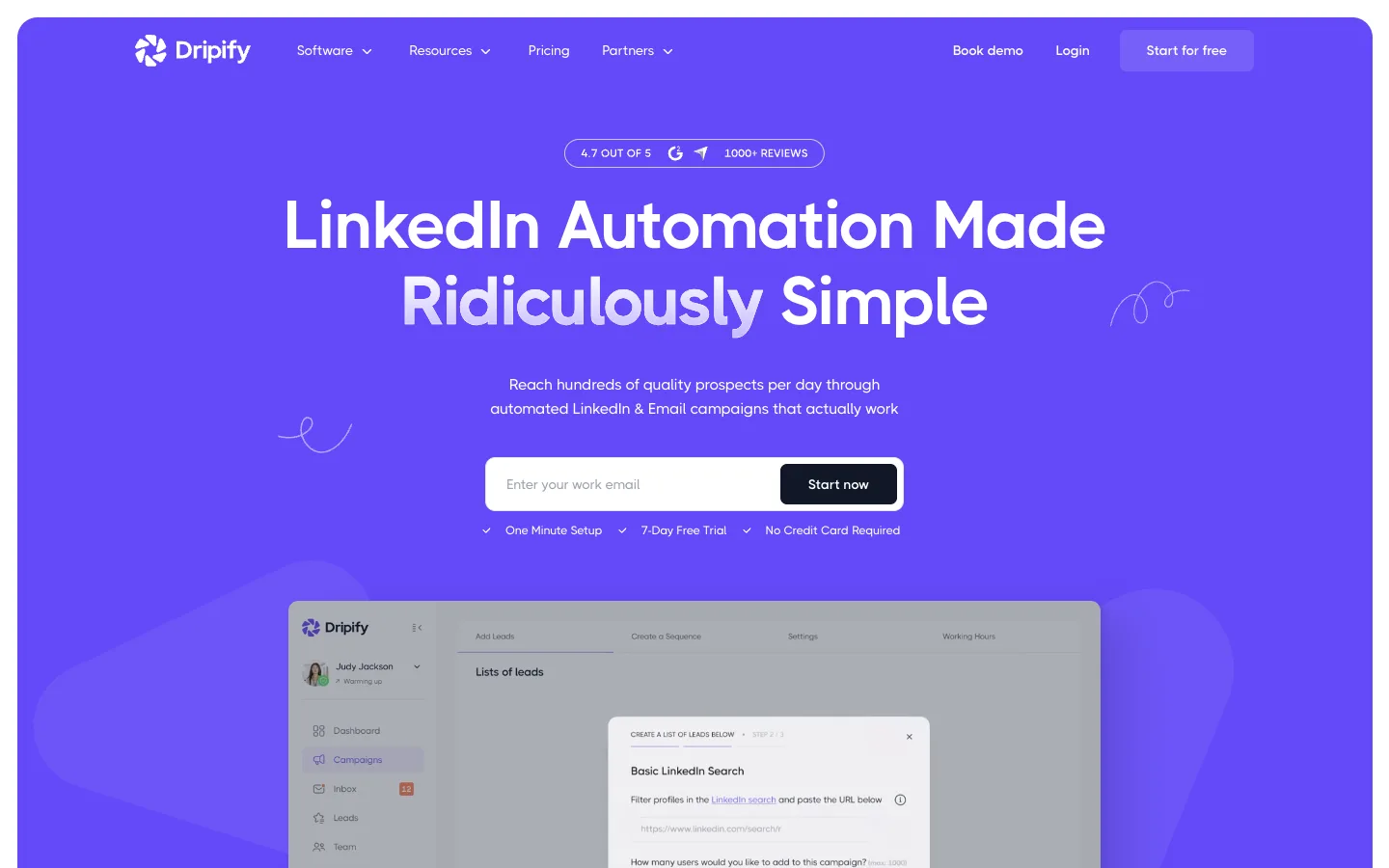
Best for: the small sales team that has outgrown Octopus CRM and wants to email prospects who ignore the invitation.
That's Octopus CRM's first gap: no email sequences listed. Dripify fills it from its entry plan, with email finding included, all in the cloud and with conditions based on how the prospect reacts.
Pricing: Pro costs $79/month, or $59 billed yearly, with 100 email credits each month. Advanced: $99, or $79 billed yearly. 7-day trial, no credit card.
Limit: expect roughly eight times the cost of Octopus CRM's Starter. Managing a team or running A/B tests requires Advanced, and the 100 email credits only last 30 days.
G2 rating: 4.5/5 from 354 reviews.
"Dripify is extremely easy to use and very user-friendly." Verified User, October 2026, G2
Go further: the Waalaxy vs Dripify comparison, then the guide to Dripify alternatives.
Octopus CRM alternatives that cost less? The closest prices
Straight answer: no serious LinkedIn automation tool beats Octopus CRM's $6.99/month billed yearly. These two come closest, and they run on your computer, like Octopus CRM runs in your browser.
3. Linked Helper: a similar price, more settings
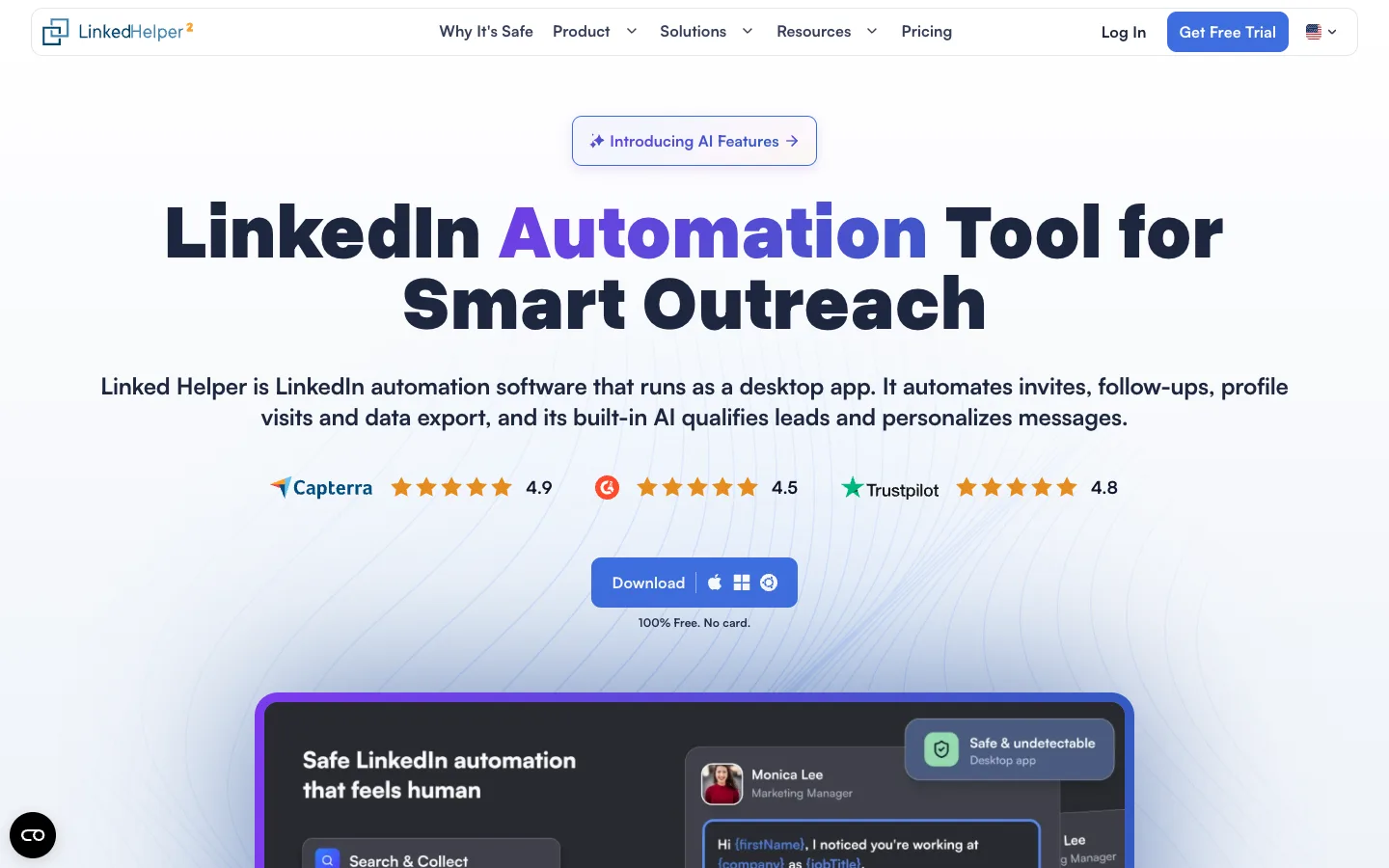
Best for: the Octopus CRM user who watches every dollar and doesn't mind installing software.
Leave the extension, keep a tight budget. Linked Helper installs on your machine (or a private server) and goes further than Octopus CRM on automation: invitations, messages, follow-ups and reply spotting.
Pricing: $15 a month per license for Standard, down to $8.25 if you commit for 12 months. The 14-day trial opens every Pro feature, no credit card.
Limit: like Octopus CRM, nothing runs while your computer is off. And it takes longer to learn.
G2 rating: 4.5/5 from 149 reviews.
"Great tool that helps me send over 100 connections request while I am doing something else." Franck O., April 2026, G2
The detailed test is here: Waalaxy or Linked Helper, which to pick.
4. Dux-Soup (now STACKED): Octopus CRM's old cousin
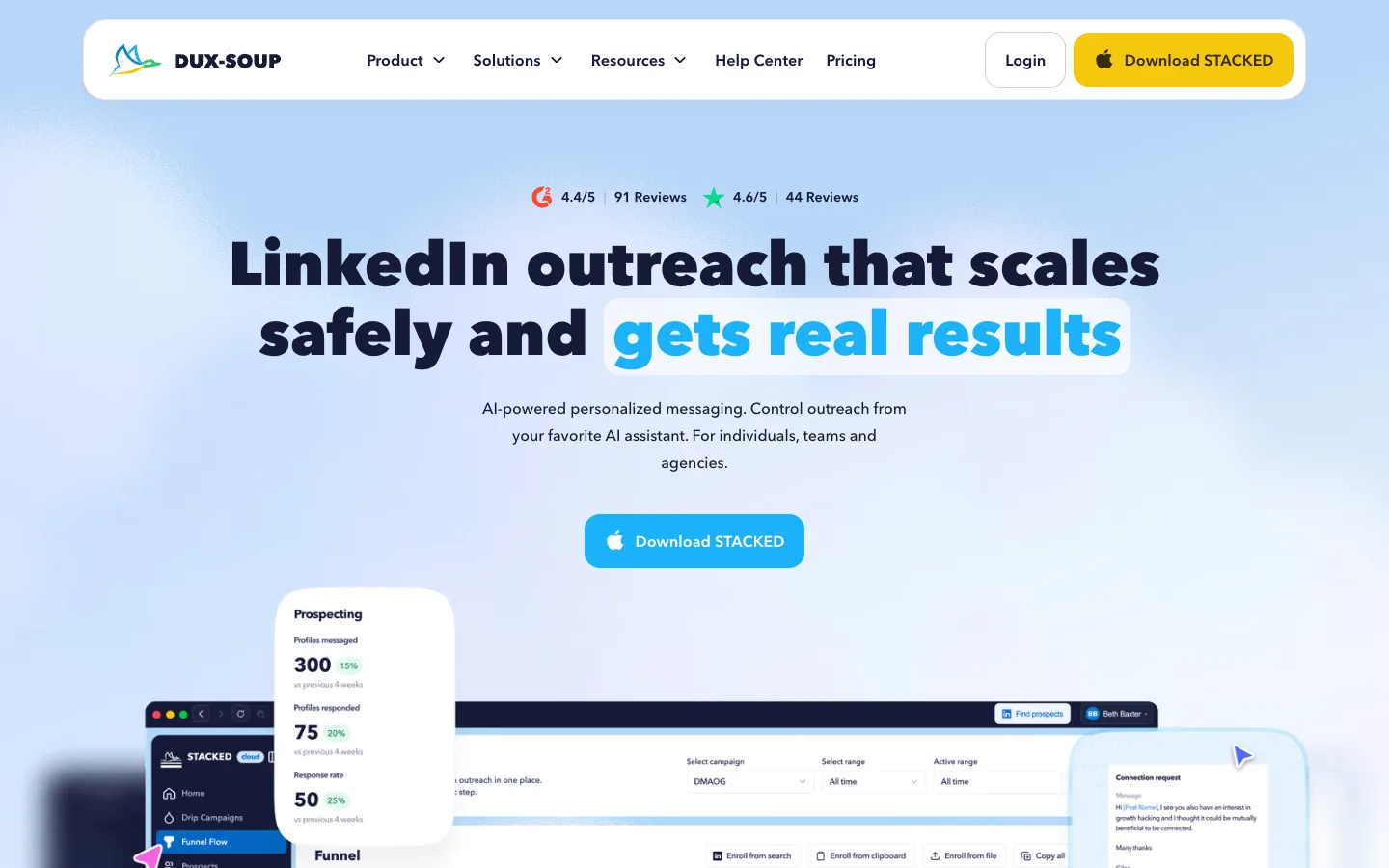
Best for: the freelancer who wants a LinkedIn-only tool, like Octopus CRM, but with the option of a cloud version.
Dux-Soup was long a Chrome extension, exactly like Octopus CRM. It's now called "STACKED, powered by Dux-Soup" and installs on Mac or Windows, or runs in the cloud. It handles invitations, messages and InMails.
Pricing: per seat, $55/month on desktop ($41.25 billed yearly) and $99/month in the cloud ($74.17 billed yearly). A free trial exists, with no length shown.
Limit: no more email than Octopus CRM, and moving to the cloud nearly doubles the bill.
G2 rating: 4.4/5 from 91 reviews.
"The pricing is good, the setup is easy, and when support was needed it was quick and excellent." Kevin C., November 2023, Capterra
Other options: the guide to Dux-Soup alternatives.
Octopus CRM alternatives for agencies
Octopus CRM says agencies use it, and quotes special pricing from 20 accounts. If you run campaigns for clients, two tools go further: conditional sequences, white label, several accounts per campaign.
5. Expandi: custom paths for each client
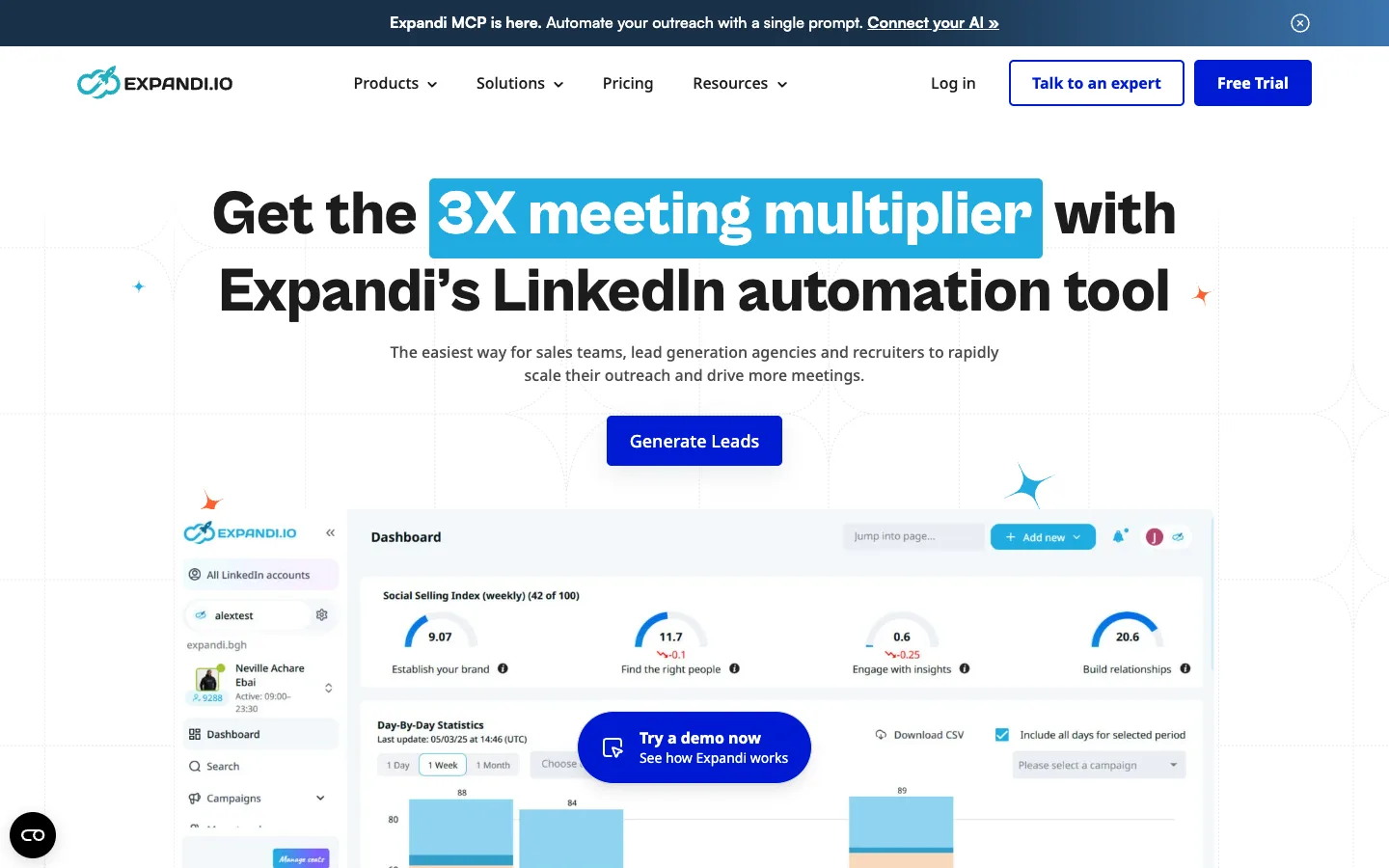
Best for: the agency or growth marketer who found Octopus CRM's campaigns too rigid for clients.
Where Octopus CRM chains simple actions, Expandi runs "if / then" sequences in the cloud and follows up by email. The Agency plan, from 10 seats, lets you resell the tool under your own brand.
Pricing: Business costs $99/month, or $79 billed yearly. Agency is on request. 7-day trial.
Limit: one plan on display, billed in dollars, and white label requires a talk with sales.
G2 rating: 4.3/5 from 179 reviews.
"First tool I used that actually does all the boring, repetitive tasks via automation and without bugging!" Verified User, January 2026, G2
Compare: Waalaxy vs Expandi, and the Expandi alternatives.
6. HeyReach: when 20 accounts aren't enough
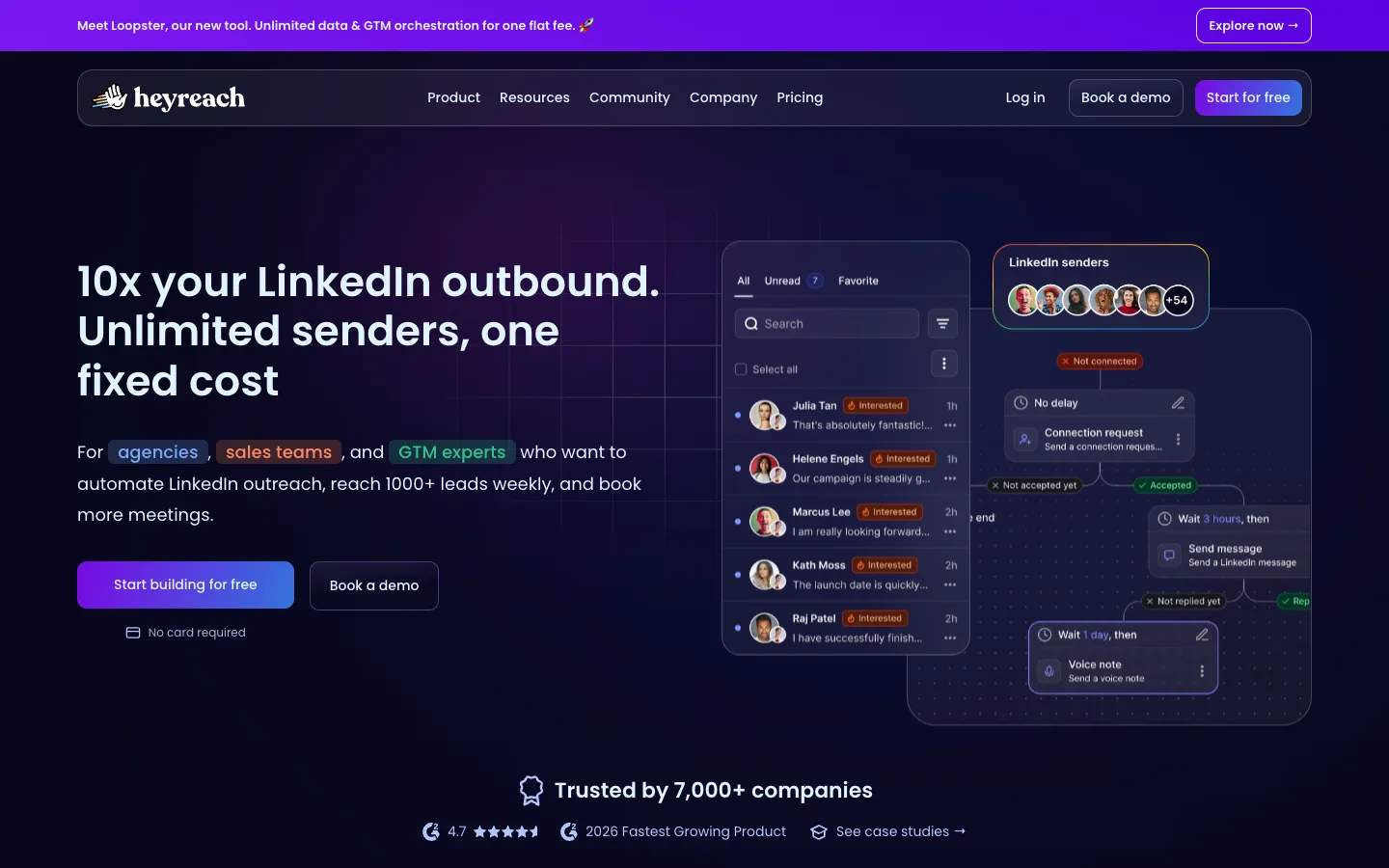
Best for: the agency past the 20-account mark where Octopus CRM switches to a quote.
With Octopus CRM, each account lives in its own browser. HeyReach spreads one campaign across several LinkedIn accounts and gathers replies in a shared inbox. For email, it plugs into Instantly or Smartlead.
Pricing: Growth costs $79/month per LinkedIn account, $64 billed yearly. Agency: $999/month ($800 billed yearly) for a bundle of accounts. A free trial exists; the pricing page doesn't give its length.
Limit: email needs a separate subscription. And for one account, the bill is in another league from Octopus CRM's.
G2 rating: 4.6/5 from 74 reviews.
"I like how HeyReach keeps my LinkedIn profile safe while doing automated outreach, which takes the worry off my shoulders." Verified User, May 2026, G2
The details are in HeyReach: review and alternatives.
Octopus CRM alternatives with LinkedIn and email
With Octopus CRM, your outreach ends at LinkedIn. The next two tools also email the prospect who doesn't accept, and one of them adds calls and X.
7. La Growth Machine: every channel, if you pay for it
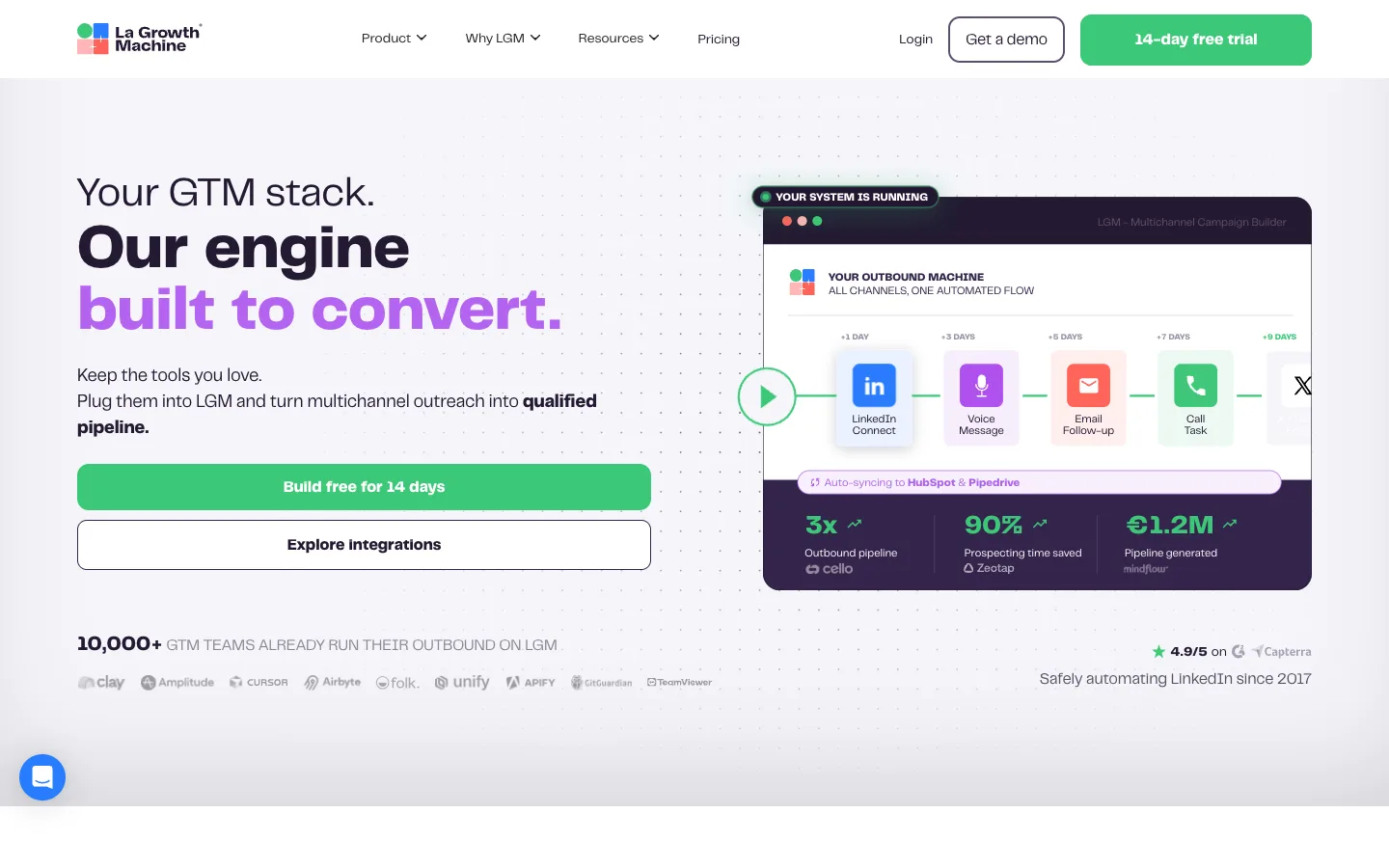
Best for: the team that has outgrown Octopus CRM and wants LinkedIn, email, calls and X chained for each prospect.
It's the opposite of Octopus CRM: a multichannel sequence editor with conditions and A/B tests. Calls arrive with Pro, X with Ultimate.
Pricing: €60/month per LinkedIn identity for Basic, €50 billed yearly. Pro at €120/month. 14-day trial.
Limit: each identity is paid for separately, so a team budget climbs fast compared with Octopus CRM.
G2 rating: 4.6/5 from 57 reviews.
"Support and account managers respond quickly" Amaury C., February 2025, G2
See also the Waalaxy vs La Growth Machine comparison and the La Growth Machine alternatives.
8. Meet Alfred: multichannel on a small budget
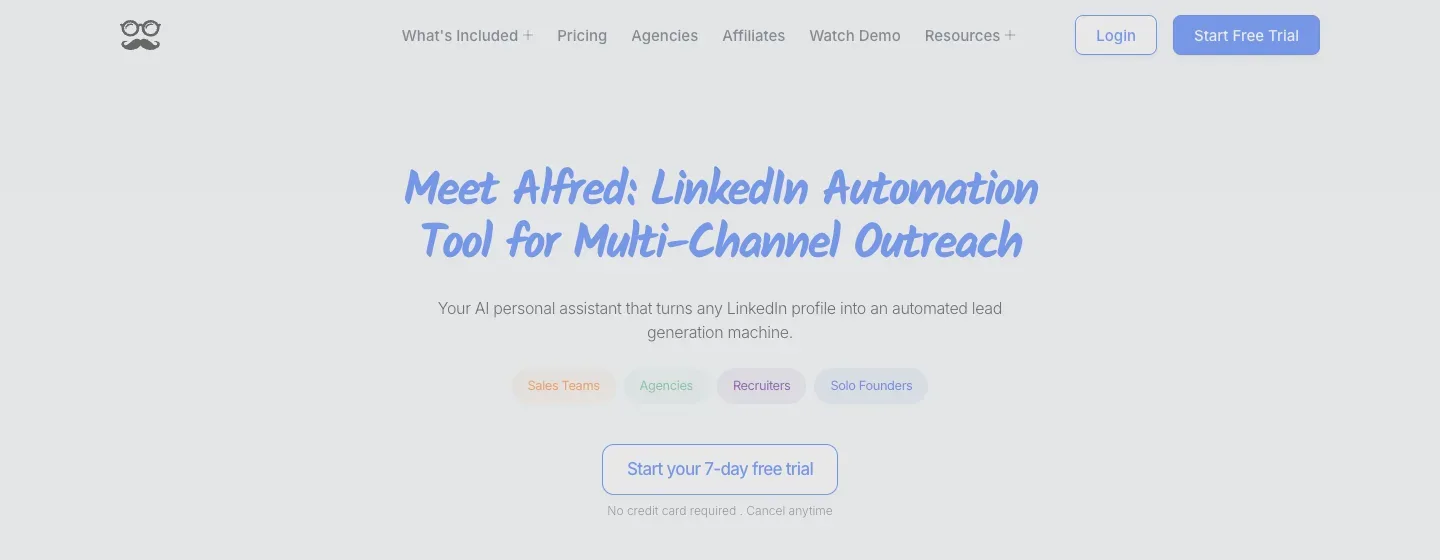
Best for: the freelancer who liked Octopus CRM's price but wants to add email and X.
Meet Alfred automates LinkedIn like Octopus CRM, then adds email and X from the Multi-Channel plan, with CRM connections via Zapier or webhooks.
Pricing: billed yearly, LinkedIn Only costs $39 per seat a month and covers LinkedIn only, Multi-Channel $49 and Agency $59 (3 seats minimum). Billed monthly: $59, $69 and $79. A 7-day free trial, no credit card.
Limit: LinkedIn Only stays on LinkedIn, like Octopus CRM. Two recent negative reviews report trouble connecting the LinkedIn account.
G2 rating: 4.3/5 from 52 reviews.
"Good Customer Service and user friendly!" Verified User, May 2024, G2
The full test: which alternative to Meet Alfred.
Were you looking for a real CRM?
Despite its name, Octopus CRM is a LinkedIn automation tool with a personal CRM built in: a dashboard of your prospects and stats. It doesn't replace a sales CRM with deals, pipelines and a shared team database. If you need one, look at a dedicated CRM such as HubSpot or Pipedrive, then pair it with an outreach tool. Waalaxy syncs natively with both.
How to choose your Octopus CRM alternative
Ask yourself three questions before you leave:
Price first? Then nothing beats Octopus CRM. Linked Helper comes closest, on desktop.
Browser closed? Pick a cloud tool: Waalaxy, Dripify, Expandi, HeyReach, La Growth Machine or Meet Alfred.
Email or several accounts? Email: Dripify, La Growth Machine, Meet Alfred, or Waalaxy Business. Several accounts for clients: Expandi or HeyReach.
And test before you pay: Waalaxy, Linked Helper and La Growth Machine offer 14-day trials, Octopus CRM, Dripify and Expandi 7 days.
How to switch from Octopus CRM without losing your prospects
The switch takes four steps:
Export your prospects from Octopus CRM as a CSV file. Export comes with the tool.
Import the file into the new tool. On Waalaxy, CSV import is part of every plan.
Restart a sequence: take a ready-to-use template, or rebuild your path if the new tool handles conditions.
Cancel your subscription to Octopus CRM before the renewal date, from the Billing page of your dashboard. And keep one automation tool active per LinkedIn account, never two at the same time.
Steps 2 and 3 take under 10 minutes on Waalaxy: your CSV goes in, a sequence template goes out, and the campaign keeps running when you shut your laptop. It's the best moment to test without losing anything, while your Octopus CRM plan is still active.
Once the first campaign is live, let it run for a week before comparing its replies with what Octopus CRM brought you.