
A free LinkedIn pod still exists in 2026, in several shapes. None of them costs zero: you pay with your time, with your profile, or with a volume so small it barely moves your reach. Knowing which currency you hand over is the whole point of this guide.
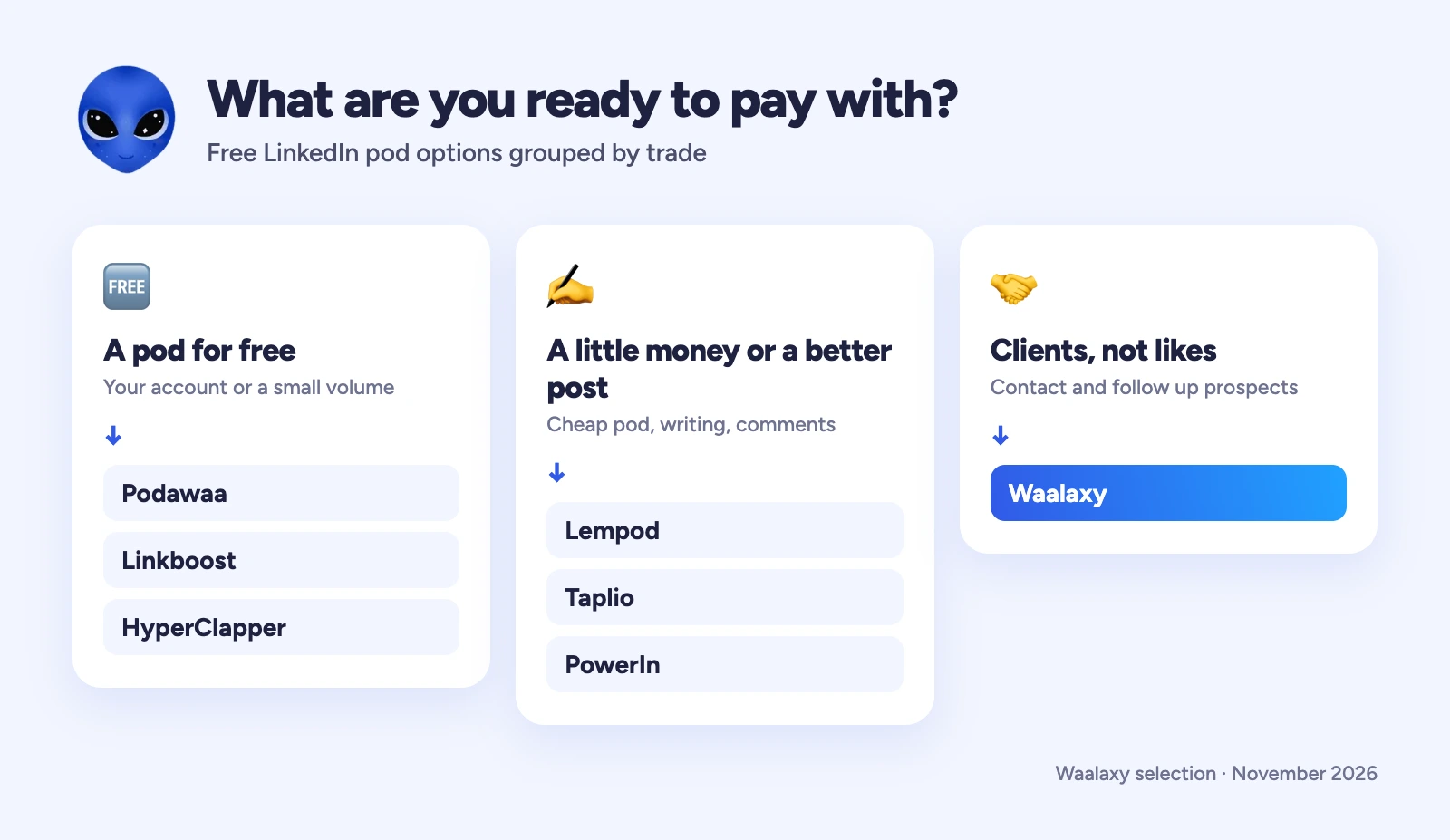
The short answer, by situation:
You want a free pod tool today: Podawaa (free Community plan), Linkboost or HyperClapper.
You accept a small bill, or suspect your posts are the problem: Lempod, Taplio or PowerIn.
What you want in the end is clients: Waalaxy, the LinkedIn and email prospecting automation tool behind this blog, used by 200,000+ sales people.
Free plans and prices were checked on each official site. Ratings and reviews were read on G2, Capterra and Google.
Alcapod alternative: what took the place of the free pod
Many people still type "Alcapod" in a search bar. Alcapod, a free LinkedIn pod tool run by Captain Data, stopped working in June 2020: its users received a short email, and the tool went dark the same day. No Alcapod alternative brought the same deal back, a pod with no subscription and no visible trade.
What remains today falls into three shapes:
Shape | What you give in exchange | Volume you get | Pattern LinkedIn sees |
|---|---|---|---|
Private help group (chat or closed group) | Your time, every day, to react to the others | Low, depends on members' goodwill | Same faces, same hour, every post |
Free plan of a pod tool | Your account, which reacts to other members, or a cap of 3 to 5 posts a month | Small but regular | More varied profiles, delivery spread out |
Informal help from colleagues | Nothing, apart from a favor to return | Low and irregular | Close to natural |
None of the three is truly free. The first costs hours, the second costs your profile or caps your volume, the third costs nothing and produces little.

Your prospecting agent at half price, for life
€100€50/month, annual plan
Nov 27 12am to Nov 28 noon CET
Discover Waalaxy AI →14-day free trial
The hidden cost of a free LinkedIn pod
The help group is the most common shape, and the most exposed. The reason fits in one line: always the same accounts, roughly at the same time, under every post you publish.
LinkedIn does not hunt for a tool name. It reads behavior. When the same twenty people react to everything you share, the algorithm concludes your content interests twenty people and stops testing it on a wider audience. Your likes hold steady while your impressions slide, with no warning. The LinkedIn reactions article covers the signals that weigh most.
A free LinkedIn pod built on a closed circle concentrates the risk instead of spreading it. Paying nothing changes nothing to what the algorithm observes.
Free LinkedIn pod tools at a glance
Tool | What is free | Free limit | What your account does | First paid step | G2 rating |
|---|---|---|---|---|---|
Podawaa | Free plan, Community mode | 5 amplified posts a month, 1 comment per post | Likes and comments other members' posts, no off switch | €29/month (Community) | No public rating found |
Linkboost | Free plan | 3 posts a month, 1 a day, 1 pod per post | Not stated on the site | $31/month billed yearly | No public rating found |
HyperClapper | Free plan | 3 posts a month, 1 a day, 1 channel | Gives likes and comments to others by default | $39/month | No public rating found |
Lempod | Nothing listed | None | Pod members react to each other | $9.99/month (Lite) | No public rating found |
Taplio | Chrome extension, 7-day trial | The extension works without a plan | Publishes your posts, no amplification | $39/month | 4.2/5 (10 reviews) |
PowerIn | 5-day trial, no card | 5 days | Comments on posts you target | $59/month | No public rating found |
Waalaxy | 14-day trial | 14 days | Sends invitations and messages to prospects you chose | €19/month billed yearly, €39 monthly | 4.5/5 (1,703 reviews) |
Prices per account or user, read on official pricing pages.
Free LinkedIn pod plans: three tools worth testing
These three tools give you a pod without paying a cent. Each free plan stays small on purpose: it is a sample, and the trade differs from one to the next.
1. Podawaa: the free plan with the most controls
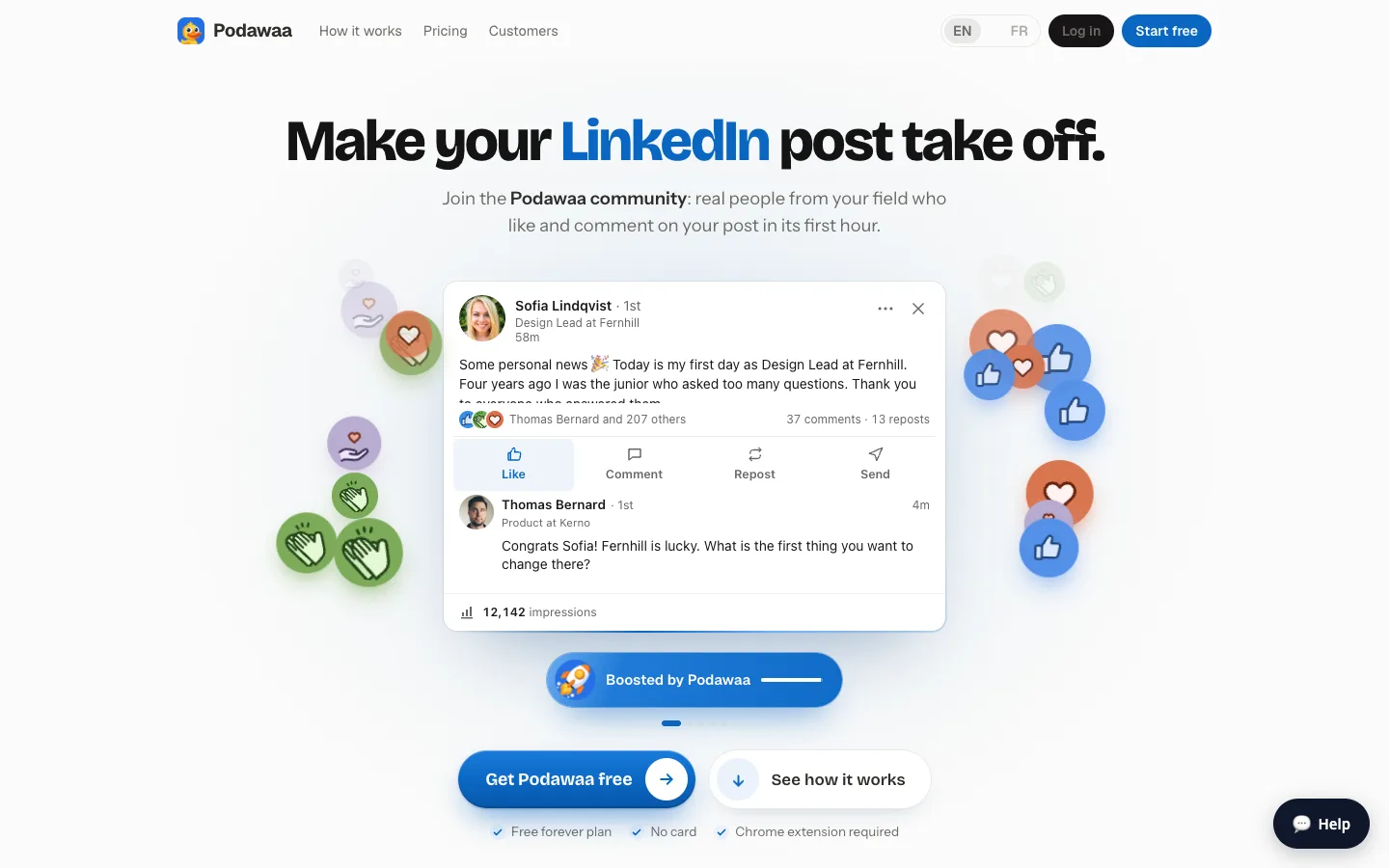
Best for: creators who want to test amplification on a few posts a month before spending anything.
Podawaa's free entry runs in Community mode. You install a Chrome extension, which works with the LinkedIn session already open in your browser, and you get 5 amplified posts a month with one comment per post, plus Growth Autopilot to spot your new posts. The counterpart is explicit: from the first exchange, your account likes and comments on other members' posts, and no setting stops it.
What you get in return is real. Reactions come from varied profiles picked through Smart Groups, not from the same twenty faces. Delivery spreads over a few hours, sometimes a day or two, instead of landing in one block. And each volume shows its risk on screen, from Safe to High Risky.
Pricing: free plan at €0. Paid Community plans cost €29, €45 or €69 a month. Private mode, where your account is never used and nothing gets installed, costs €59, €89 or €159 a month, or €590 to €1,590 a year. Prices excluding VAT. No free trial on paid plans; a weekly formula takes 80% off the first week. The Podawaa pricing article goes through each tier.
Limit: your professional profile comments on posts you never chose. Reactions only come from English-, French- or Spanish-speaking professionals.
Rating: no public rating found.
2. Linkboost: free, and nothing installed in your browser
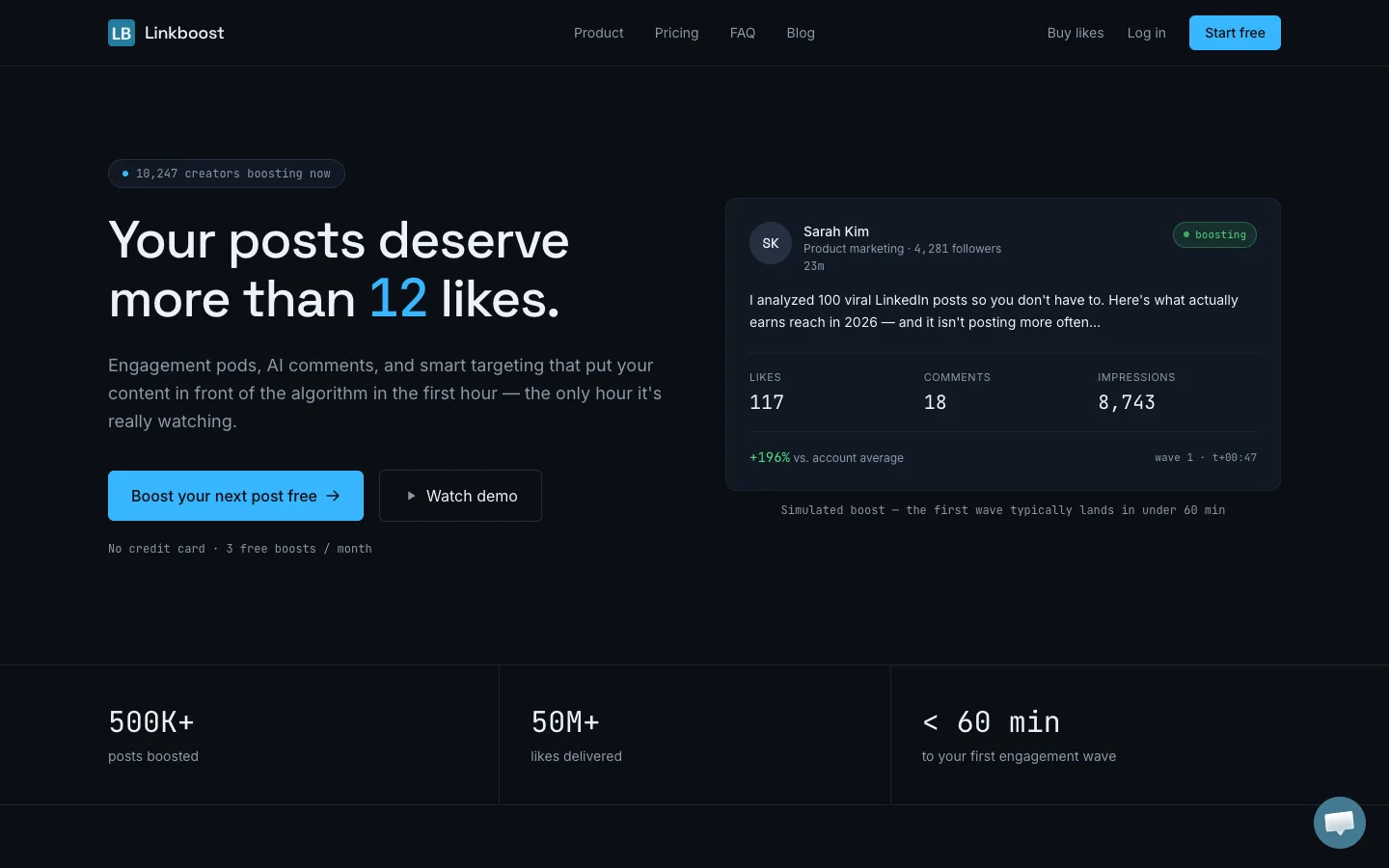
Best for: people who refuse to add an extension to their browser.
Linkboost works server side: its FAQ states no browser extension is attached to your account. The free plan lets you join as many pods as you like, create your own, and amplify 3 posts a month, one per day, each shared with one pod. Members react during the first hour after you paste the link. Blocklists and report tools come with it.
Pricing: free at $0. Premium costs $31 a month billed yearly (30 posts), Plus $47 a month billed yearly (60 posts, up to 20 pods per post). The toggle shows -20% on yearly billing; monthly rates do not appear in the page text.
Limit: the site never says whether your account reacts to other members' posts in return. Three posts a month also cover one post a week at best.
Rating: no public rating found.
3. HyperClapper: three free posts, reciprocity on by default
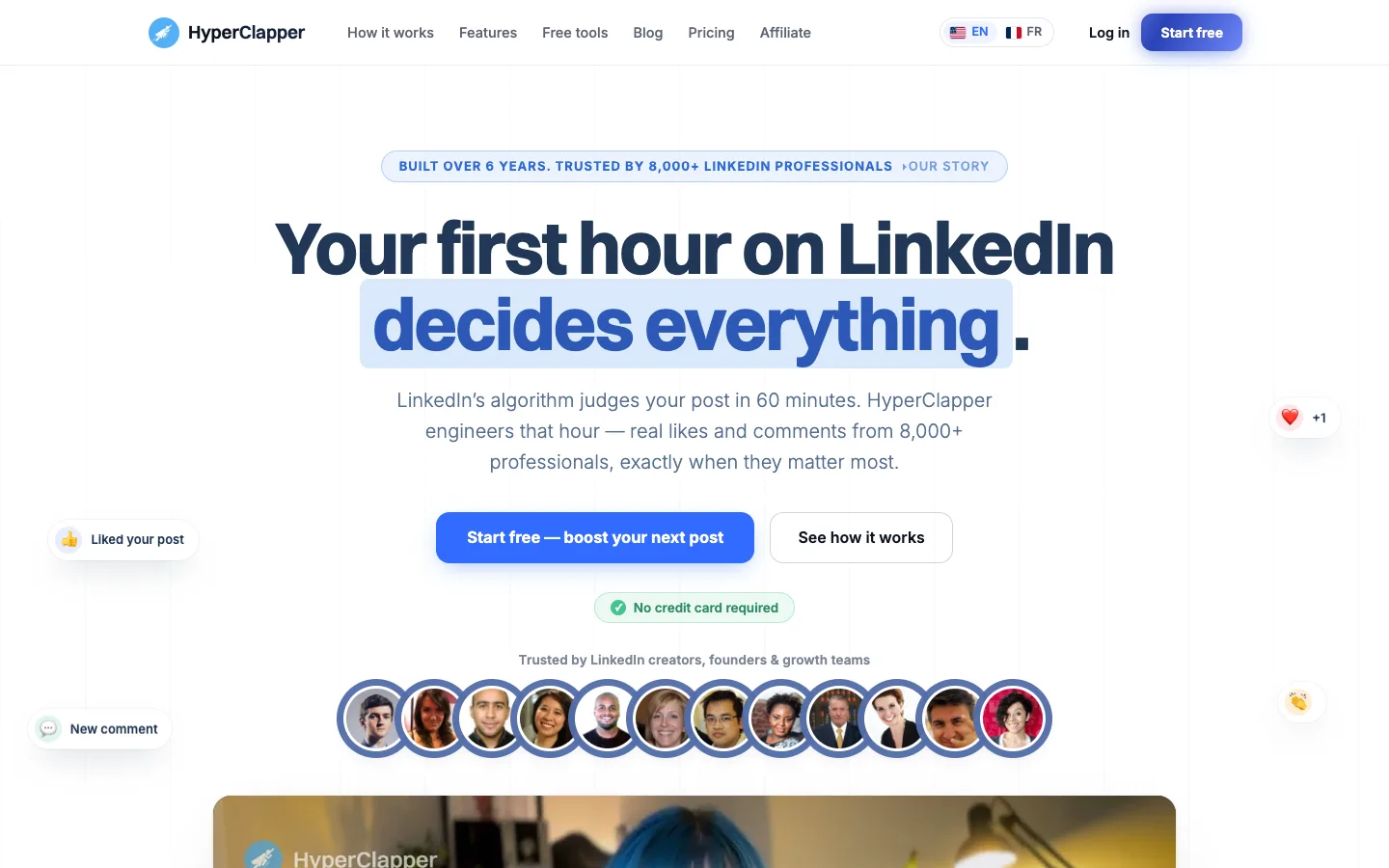
Best for: creators who post once a week and want to try a pod with channels by theme.
HyperClapper connects through a Chrome extension. You paste a post URL, pick a channel (a group of professionals who react to amplified posts), review the AI comments, and launch. The free plan covers 3 posts a month, one per day, in one channel, with no card. By default, your profile returns likes and comments to other members; switching that off starts at the paid plans.
Pricing: free at $0, then $39 (Pro, comments switchable), $59, $99 (Infinity, likes and comments switchable), $149 and $499 a month. No yearly price is listed.
Limit: in the free plan, your account works for the others. The site gives two network sizes (8,000+ and 5,000+ professionals) and no number of likes per post.
Rating: no public rating found.
Paying a little, or fixing the post first
When three to five posts a month no longer cover your rhythm, two paths open. Pay for the cheapest pod you find, or spend that money on the post itself, since an amplified weak hook stays weak.
4. Lempod: the lowest paid step for a pod
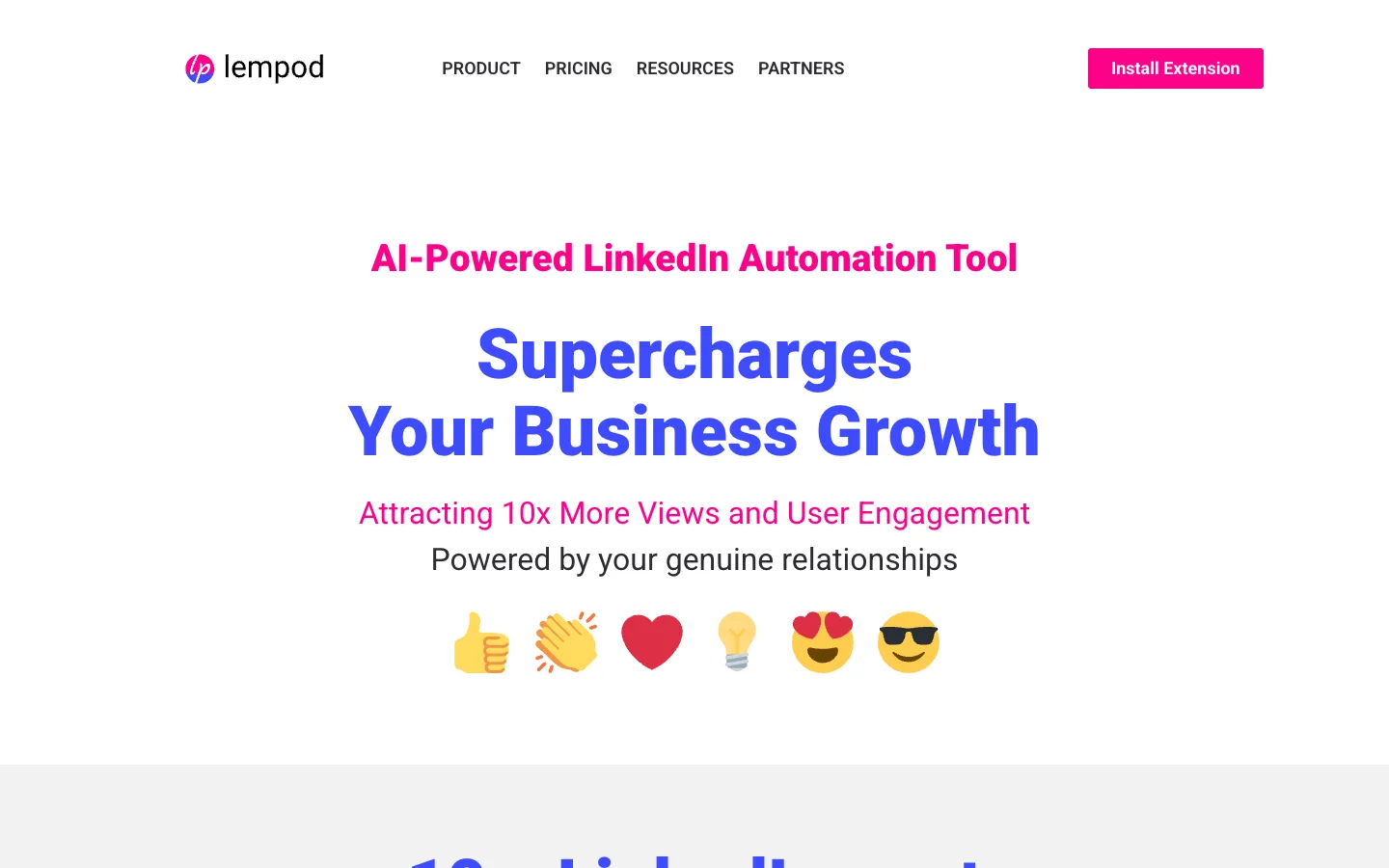
Best for: regular posters who outgrow the free plans and want to choose their pods by industry or location.
Lempod is one of the oldest names among pod tools. You join pods filtered by city or industry, share your post with them, and members react automatically, AI comments included if you want them. It runs through a browser extension.
Pricing: no free plan. Plans start at $9.99 a month (Lite, labeled "experienced users only") and $14.99 (Starter, "for 1 small pod"), up to $199.99 for Unlimited, excluding tax. Everything runs on two balances: Gold to start an engagement (20 Gold), Silver for each action (10 Silver), and Silver expires after a month.
Limit: credits take time to understand, and a small pod brings back the same faces under every post.
Rating: no public rating found.
5. Taplio: a free extension to write better posts
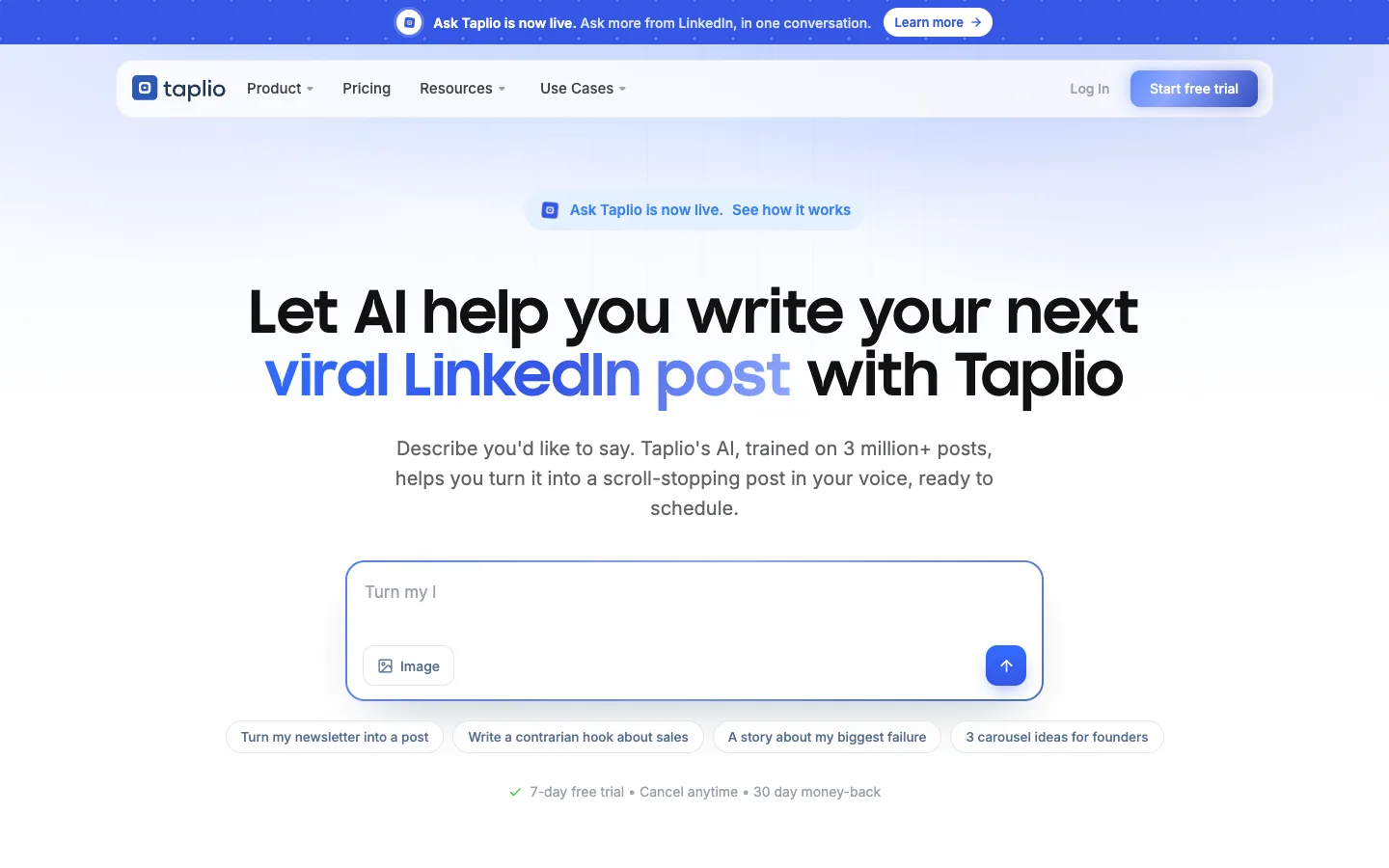
Best for: creators who suspect the hook, not the reach, is holding them back.
Taplio writes, schedules and analyzes LinkedIn posts. Its Chrome extension is free and works without any plan, a rare free piece in this list. Paid plans add AI writing, help replying to comments and, on Pro, unlimited AI posts.
Pricing: Starter $39, Growth $69, Pro $199, billed monthly. A second set of prices ($32, $49, $149) appears lower on the page with no billing period stated. 7-day trial with full Pro access.
Limit: no amplification at all. One reviewer mentions a learning curve and pricing that isn't the most competitive.
G2 rating: 4.2/5 from 10 reviews.
"The best about Taplio is how it streamlines LinkedIn content creation and scheduling with smart automation" Ashutosh J., May 2025, G2
"There's a learning curve and some features feel less accurate than advertised. Also, the pricing is not the most competitive." Paweł M., 2.5 stars, August 2024, G2
6. PowerIn: five free days of comments under other people's posts
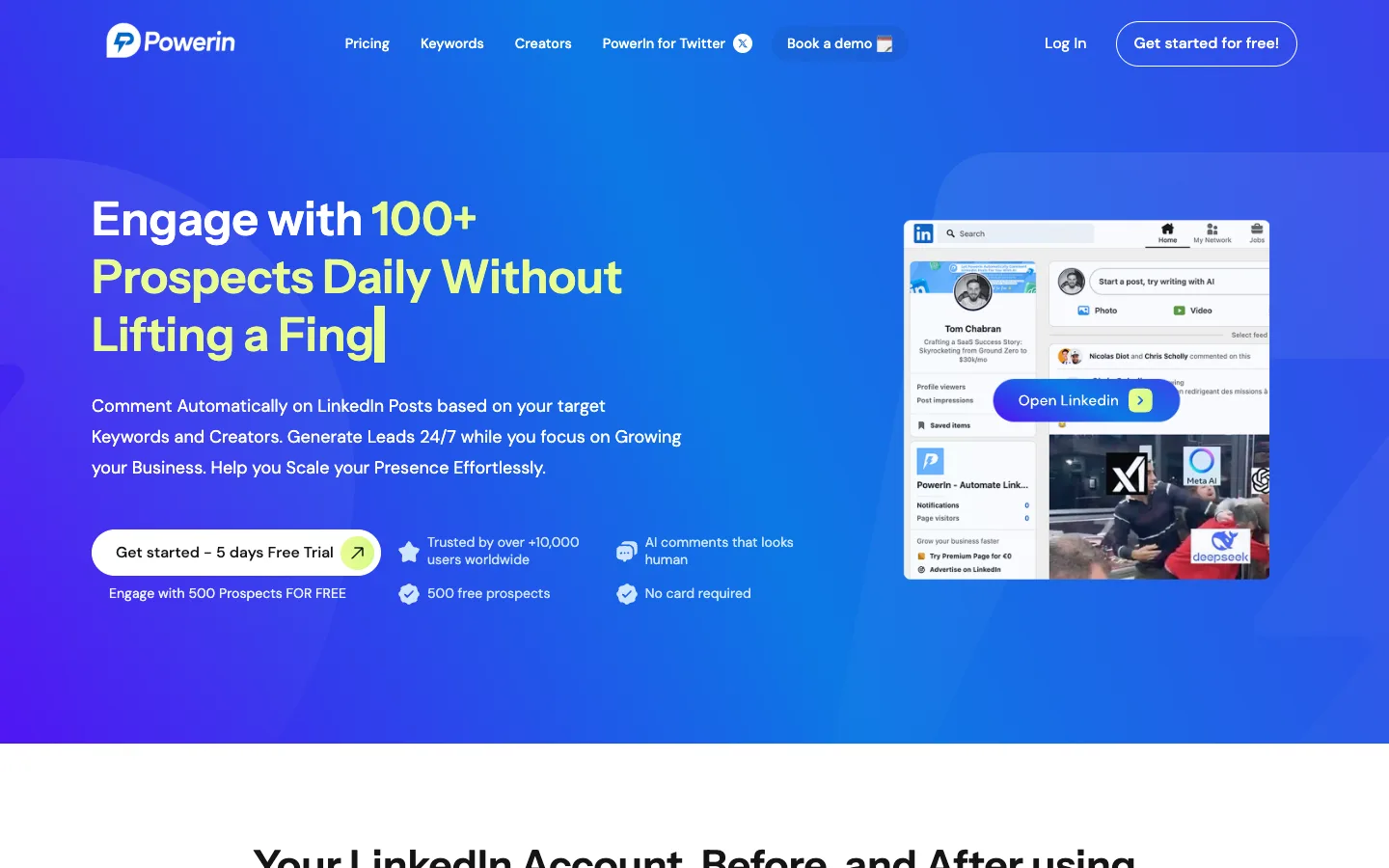
Best for: people who would rather be seen in comment sections than buy reactions.
PowerIn turns the pod logic around. An AI comments for you on posts picked by keyword or by creator, within 30 minutes of publication, in the post's language. You approve comments by hand if you prefer. It connects through a Chrome extension.
Pricing: 5-day free trial, no card. Then $59 (30 comments a day), $99 (100) or $149 (200) a month. A yearly toggle mentions "Save 33%" without showing yearly prices.
Limit: your account comments in public at volume, and a flat comment under a prospect's post does more harm than good. One reviewer finds the AI comments a bit generic at times.
Rating: no public rating found.
"At times, the comments generated by the AI feel a bit generic, and some additional customization options could enhance the quality of the responses" Ajay K., October 2024, G2
Where a free LinkedIn pod stops helping: finding clients
Free amplification gets paid in time or in account use. One job has no free version at all: follow up. Contacting fifty people, noting who accepted, writing again at the right moment, starting over next week. By hand, that is two hours a day, and most people drop it after three weeks.
A pod widens the audience around a post already written. It never starts a conversation with a named buyer. If clients are the goal, the money and time saved on amplification belong there.
7. Waalaxy: the paid tool that frees your time
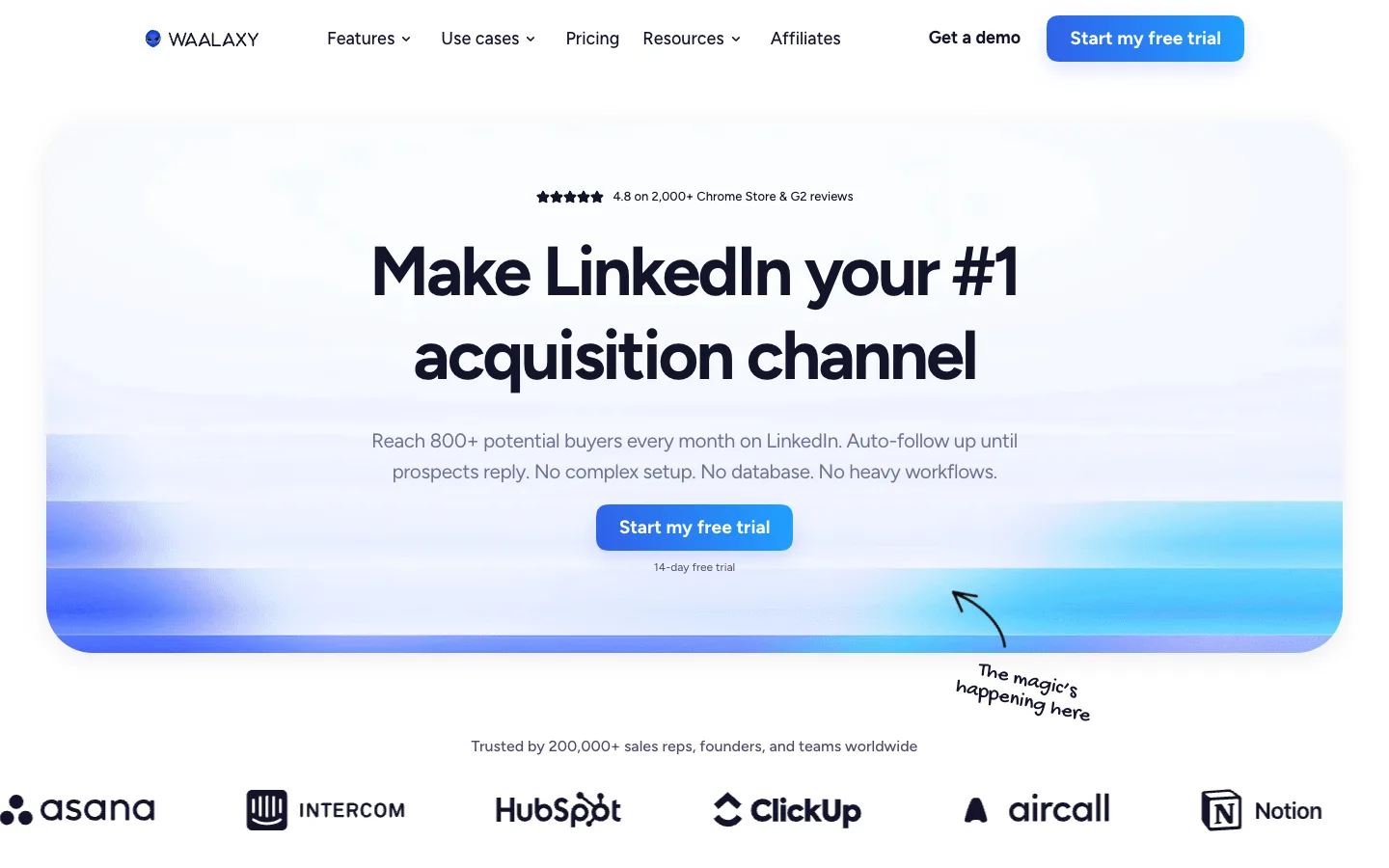
Best for: founders, freelancers and sales people who used pods hoping prospects would notice them.
Waalaxy automates prospecting on LinkedIn and by email. It is used by 200,000+ sales people and publishes this blog. A list of profiles goes in (a LinkedIn search, Sales Navigator or Recruiter Lite), invitations, messages and follow up emails go out, and replies come back in one place. Campaigns run in the cloud, computer off.
Ready-made sequences: Saturn, Ganymede and Elysium change course when a prospect accepts or replies.
Work emails found: 25 to 500 a month depending on the plan, 20+ sources, triple verification.
Fast first campaign: live in under 10 minutes, even though three users in four were new to LinkedIn prospecting.
Fixed IP: each user runs from a fixed VPN IP address of their own in the cloud.
CRM: HubSpot, Pipedrive and NoCRM directly; Salesforce, Zoho, Sellsy, Brevo, Airtable or Google Sheets via Zapier, Make or n8n.
Pricing: not free, but testable: 14-day free trial. Then Pro €19/month billed yearly (€39 monthly), Advanced €49 (€99), Business €69 (€139). Prices in your currency on the pricing page.
Honest limit: Waalaxy brings no likes and no comments to your posts. Pro allows about 11 invitations a day (300 a month); 80 to 100 a day, up to LinkedIn's 200 a week, takes Advanced. Sequences are templates: you pick one, you don't rebuild it step by step. LinkedIn and email in one campaign needs Business.
G2 rating: 4.5/5 from 1,703 reviews.
"The tool is really intuitive, even when you're new to LinkedIn." Sandra C., March 2026, Google
Pod or no pod, everything starts with defining your LinkedIn audience.
When a free LinkedIn pod is enough
Sometimes looking further makes no sense. Three cases:
You post rarely. At one post a month, a subscription never pays off, and colleagues do the job.
You test the idea. Checking that amplification changes anything on your account before paying is a healthy step.
Your audience is small. On an account with 500 connections, twenty extra reactions are enough to widen distribution.
Whatever the formula, three settings weigh more than the price:
Volume, which has to stay plausible next to what your posts get naturally.
Spread over time, since fifty reactions over a day look nothing like a hundred in ten minutes.
Profile relevance, because off-topic reactions teach the algorithm the wrong audience.
The LinkedIn pod best practices explain how to dose all three. And if you have moved past free and want to compare paid pods, the guide to choosing a Podawaa alternative lines them up.