
Looking for a Dropcontact alternative? Start with one question: what do you use Dropcontact for? Dropcontact enriches files you already have. You give it a first name, a last name and a company, it finds the business email, verifies it and cleans your data (fixed names, merged duplicates). It does this without reselling a database, which makes it a popular pick for GDPR. Its limits: no phone numbers in its Email Finder plans, no prospect search engine, and a starting price of €79 per month.
Here's the short version:
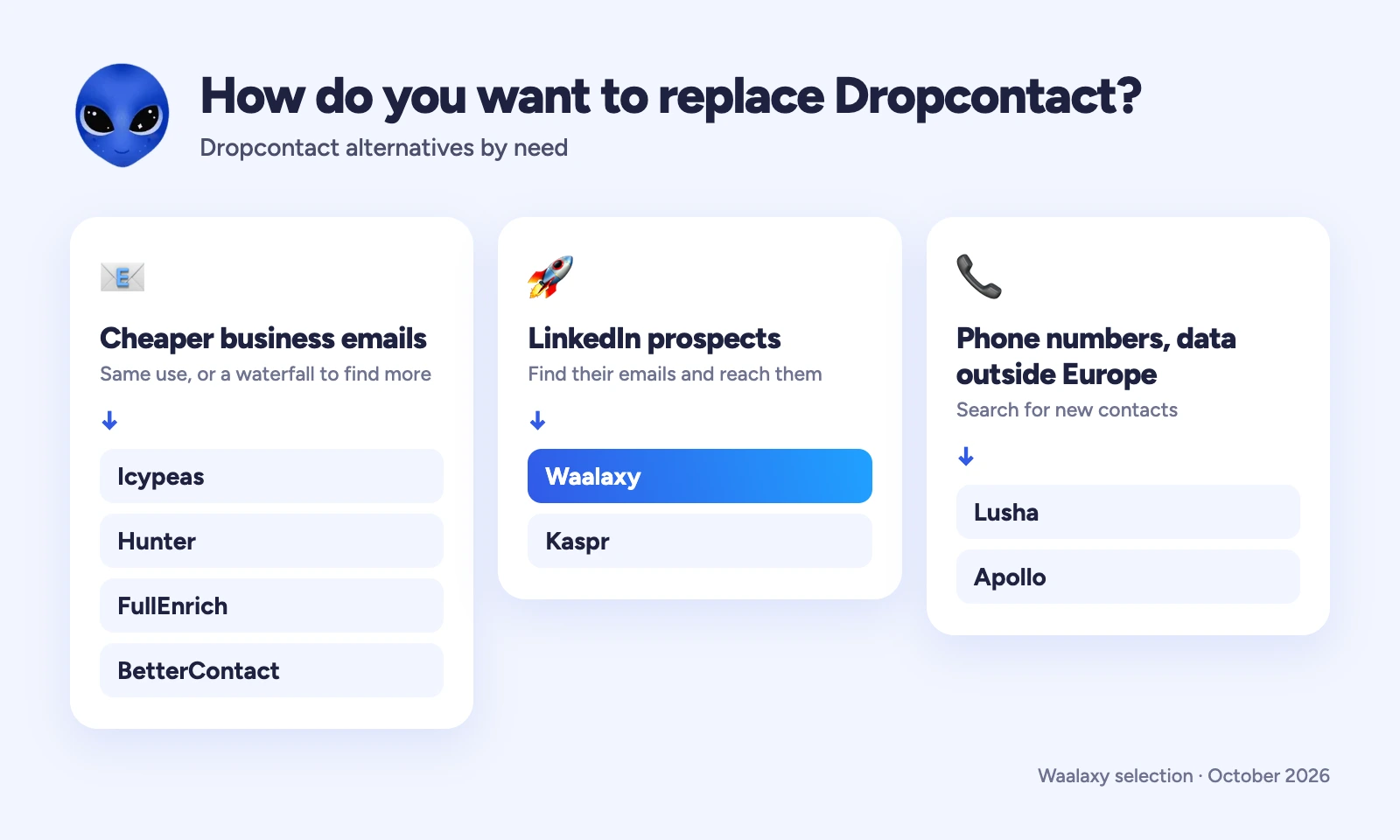
You want cheap business emails, like Dropcontact: Icypeas or Hunter.
You want to find more emails and mobile numbers by querying several providers: FullEnrich or BetterContact.
Your prospects are on LinkedIn and you want their emails plus a campaign to reach them: Waalaxy, the LinkedIn and email prospecting automation tool used by 200,000+ sales reps (and the publisher of this blog). For an email and a phone number in one click: Kaspr.
You want phone numbers and a contact database outside Europe: Lusha or Apollo.
Prices were checked on each tool's official pages. Ratings and reviews were read on G2, Capterra and Google.
What is Dropcontact (and why look for Dropcontact alternatives)?
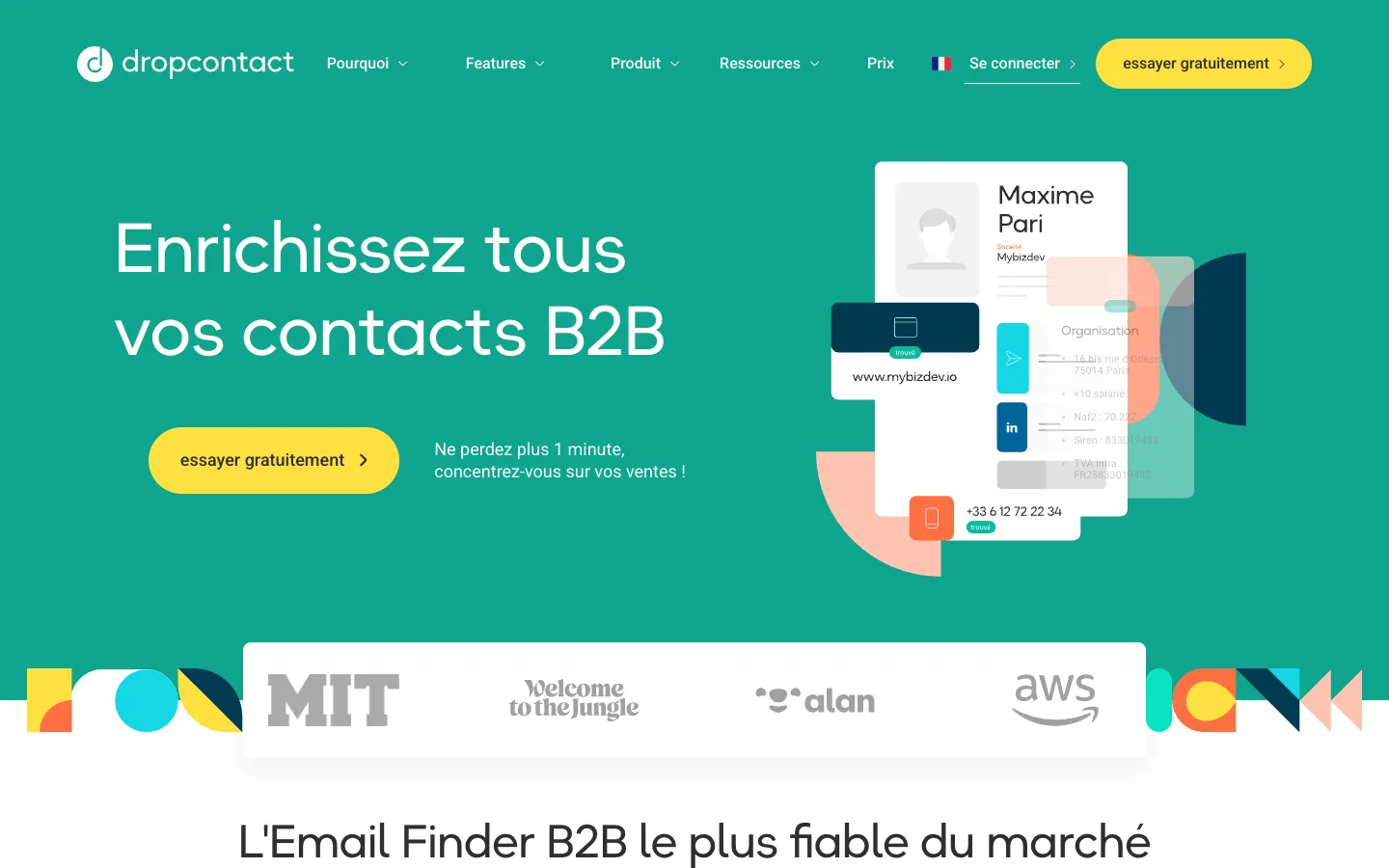
Dropcontact is a B2B enrichment tool. You upload a CSV file or connect your CRM (HubSpot and Pipedrive natively), and it finds business emails, fixes the order and spelling of names, and merges duplicates. Its website states that no personal information is stored or resold, and that data is found with its own algorithms.
What the pricing page says:
Starter at €79/month, Growth at €120/month, from 500 to 150,000 credits per month. Yearly billing shows "-20%", with no detailed amount.
1 credit = 1 email found: if the email isn't found, the credit comes back. Rollover of unused credits is included in Growth.
Enterprise on request, from 200,000 credits per month.
50 free credits to test.
Mobile numbers aren't part of the Email Finder plans: they come with the CRM integration suite, whose price isn't shown.
No public rating found for Dropcontact. So there are no verified customer reviews to quote here, unlike the other tools in this list.
Bottom line: Dropcontact is solid to clean and complete a European CRM. If you need phone numbers, a higher find rate, a lower price, or a way to contact your prospects right after, another tool does the job better.

Your prospecting agent at half price, for life
€100€50/month, annual plan
Nov 27 12am to Nov 28 noon CET
Discover Waalaxy AI →14-day free trial
The 8 best Dropcontact alternatives at a glance
Tool | What it does better than Dropcontact | Mobiles | To test | Billed yearly | Billed monthly | G2 rating |
|---|---|---|---|---|---|---|
Dropcontact (reference) | Clean and enrich a CRM | CRM suite only | 50 credits | -20% announced | €79/month | Not found |
Icypeas | The same business email, at a much lower cost per credit | No ("coming soon") | 50 credits (limited offer) | $15.83/month | $19/month | Not found |
Hunter | Readable pricing, with a free plan | No | 50 credits/month | €34/month | €49/month | 4.6/5 (713 reviews) (Capterra) |
FullEnrich | 20+ providers in a waterfall, mobiles included | Yes (10 credits) | 50 credits | Not shown | €55/month for 1,000 credits | 4.8/5 (262 reviews) |
BetterContact | A waterfall billed only on results | Yes (10 credits) | 50 credits | 2 months free | $15/month | Not found |
Waalaxy | The email of your LinkedIn prospects, then the campaign that reaches them | No | 14-day trial | €19/month | €39/month | 4.5/5 (1,703 reviews) |
Kaspr | Email and number read from a LinkedIn profile | Yes | 15 emails + 5 numbers/month | €45/month | €59/month | 4.4/5 (836 reviews) |
Lusha | Numbers in one click, coverage beyond Europe | Yes (5 credits) | 40 credits/month | $37.45/month | $49.90/month | 4.0/5 (398 reviews) (Capterra) |
Apollo | Search new contacts worldwide | Yes (credits) | Free plan | Not shown in plain text | Not shown in plain text | 4.7/5 (9,857 reviews) |
Monthly amounts from each vendor's pricing page. For Icypeas, the site shows $190 per year, which is $15.83 a month.
Dropcontact alternatives to find business emails for less
You enrich CSV files and €79 a month feels steep for your volume? These two tools also sell emails by the credit, with a lower entry ticket.
1. Icypeas: the same credit logic, for much less
Best for: growth teams, agencies and anyone who runs large files through enrichment and looks at cost per email first.
Like Dropcontact, Icypeas starts from a list of names and domains, by CSV or API, then finds and verifies the business address. Its website says it finds emails "using only open sources", states GDPR compliance (an argument Dropcontact users will appreciate), and also verifies Google and Microsoft "catch-all" addresses (domains that accept every email).
Pricing: $19/month for Basic and 1,000 credits, $39 for Premium and 4,000, $89 for Advanced and 10,000. Billed yearly, count $190, $390 and $890 per year (20% saved). A found email costs 1 credit, a verification 0.1. Unused credits stay, with no expiration date.
Limit: phone numbers aren't there yet (the feature is listed as "coming soon"). And CRM cleaning (duplicates, names) goes less far than with Dropcontact.
Rating: no public rating found.
2. Hunter: an email finder with a free plan and readable prices
Best for: small budgets who mostly need business addresses and want to test without a €79 entry price.
Give Hunter a name and a domain: it returns the email, verifies it, and uses it in a simple email sequence if you want. Where Dropcontact works on a whole file, Hunter also suits one-off lookups through its Chrome extension.
Pricing: 50 credits a month at no cost. For 2,000 credits, Starter costs €49 month to month or €34 a month billed yearly. For 10,000 credits, Growth costs €149 month to month or €104 billed yearly.
Limit: no phone numbers at all. On monthly plans, leftover credits don't carry over to the next month.
Capterra rating: 4.6/5 from 713 reviews.
"Hunter email verification is worth it's weight in GOLD!" Verified User, July 2026, Capterra
Dropcontact alternatives for waterfall enrichment
No single provider finds everything. These tools query several providers one after the other and stop once the data is found (how it works is explained further down). They also add the mobile numbers Dropcontact leaves out of its Email Finder plans.
3. FullEnrich: 20+ providers, emails and mobiles
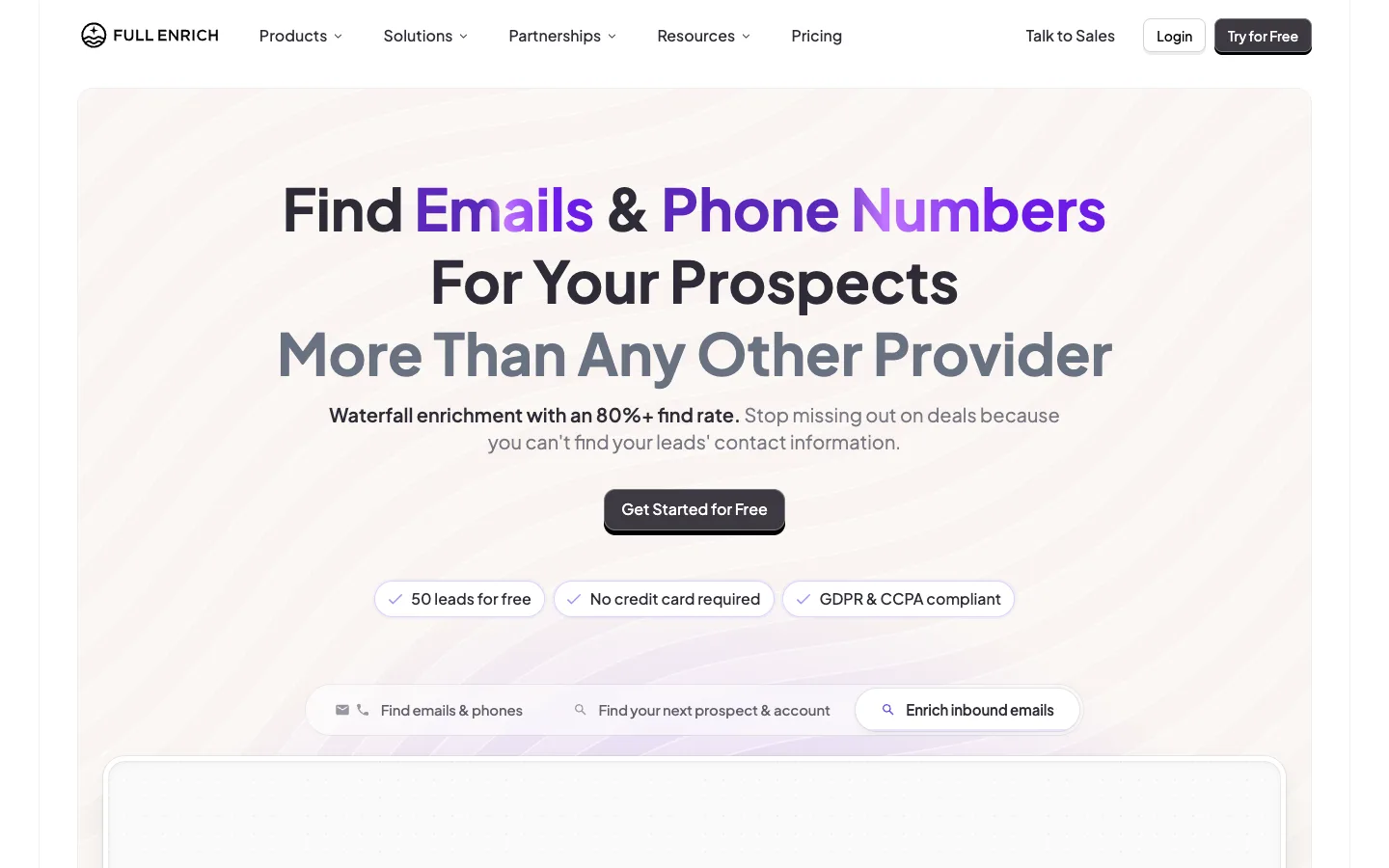
Best for: sales teams who find Dropcontact's find rate too thin and want mobile numbers too.
FullEnrich queries 20+ data providers in a row. Each email goes through three verification engines. On billing, only the mobile numbers found are counted. You enrich a CSV, or go through HubSpot, Clay, Zapier, Make or the API.
Pricing: 50 credits to try, no credit card. €55/month for Pro and 1,000 credits (€0.055 per credit), with more credits as an option and no yearly price shown. Count 1 credit for a work email, 3 for a personal email, 10 for a mobile number.
Limit: at 10 credits per mobile, 1,000 credits make 100 numbers.
G2 rating: 4.8/5 from 262 reviews.
"The customer support is excellent and very responsive, always helping me promptly with requests regarding credits." Costin C., April 2026, G2
4. BetterContact: a waterfall paid on results, hosted in Europe
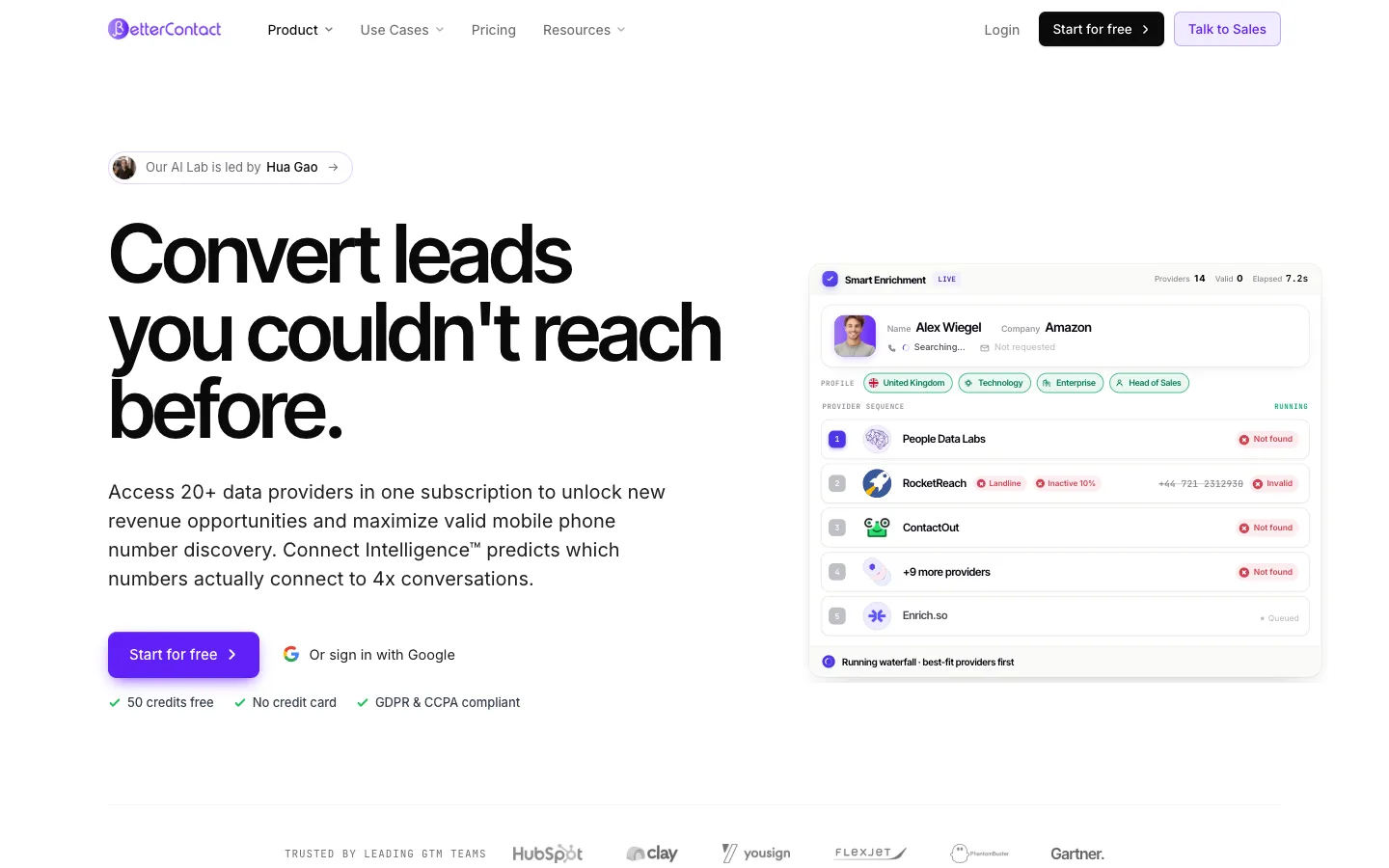
Best for: small teams and Clay users who want a cheap waterfall without losing Dropcontact's European argument.
BetterContact runs through 20+ providers to find emails and mobile numbers, then verifies the result. It has 28 native integrations (Clay, HubSpot, Zapier and Make among them), plus CSV import and an API. The site states GDPR compliance and EU data residency.
Pricing: 50 credits for free, no credit card. $15/month for Starter and 200 credits, $49/month for Pro and 1,000 credits, Enterprise from $799/month. Yearly billing means paying 10 months out of 12. An email costs 1 credit, a mobile 10, and data not found costs nothing. Credits roll over, up to twice your monthly volume.
Limit: the same mobile math as FullEnrich (10 credits each): the Starter plan gives 20 numbers a month at most.
Rating: no public rating found.
Your prospects are on LinkedIn: find their emails and reach them
Do you enrich contacts so you then prospect them? Then enrichment is only one step. These two tools start from LinkedIn, where your prospects already are.
5. Waalaxy: the email found, then a campaign that runs on its own
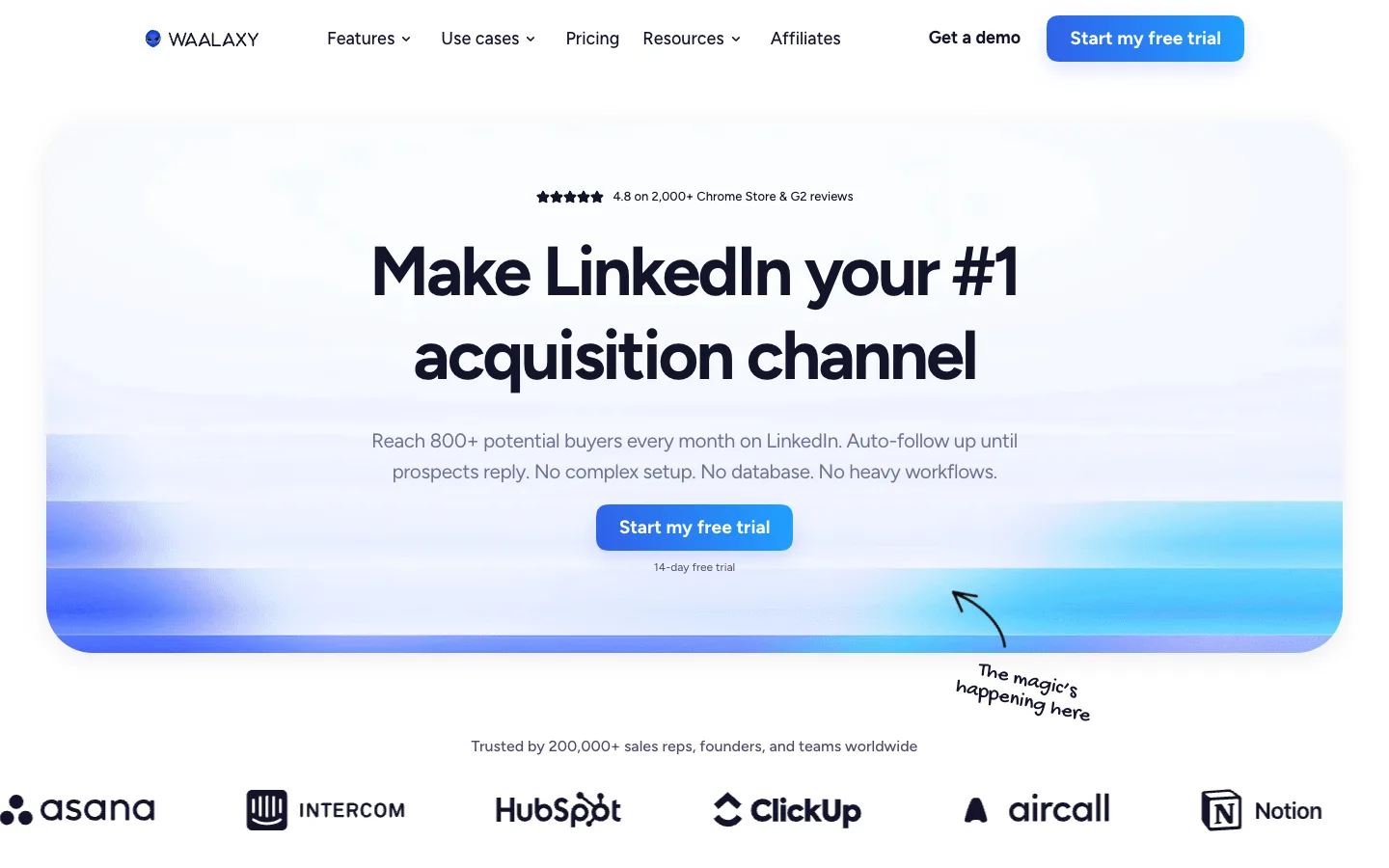
Best for: freelancers, founders and small teams who enriched a file in Dropcontact and then wrote to each prospect by hand.
Waalaxy isn't a CRM enrichment tool, it's a LinkedIn prospecting tool. You import a LinkedIn, Sales Navigator or Recruiter Lite search (or a CSV). It looks up each profile's work email, then sends invitation, message and follow-ups, with an extra email on the Business plan.
Work emails included: 25 to 500 a month depending on the plan, 20+ sources, triple verification and 61%+ of addresses found. It's all on the Email Finder page.
Sequence templates (Saturn, Ganymede, Elysium…) that adapt to the prospect's status, connected or not, replied or not. Your first campaign runs in under 10 minutes, in the cloud.
LinkedIn and email together in one campaign on the Business plan.
Fixed IP: your campaign runs in the cloud from a fixed VPN IP address unique to each user.
Pricing: Pro at €19/month billed yearly or €39 month to month, Advanced at €49 or €99, Business at €69 or €139. 14-day free trial. Your country's prices are on the pricing page.
Honest limit: no file cleaning and no bulk CRM update like Dropcontact. Waalaxy finds the emails of the prospects you import so you contact them, and it gives no phone numbers. The Pro plan caps out at about 11 invitations a day (300 a month); for 80 to 100 a day (200 a week, LinkedIn's limit), you need Advanced. And you pick a ready-made sequence template, with no way to reorder the steps.
G2 rating: 4.5/5 from 1,703 reviews.
On Capterra too: 4.5/5. And 75% of users had never prospected on LinkedIn before.
"An essential tool for anyone doing B2B prospecting on LinkedIn." Ahmed A., May 2026, Google
Want to see Waalaxy against an email and sequencing tool? The Waalaxy vs lemlist comparison covers both.
6. Kaspr: email and number, without leaving the LinkedIn profile
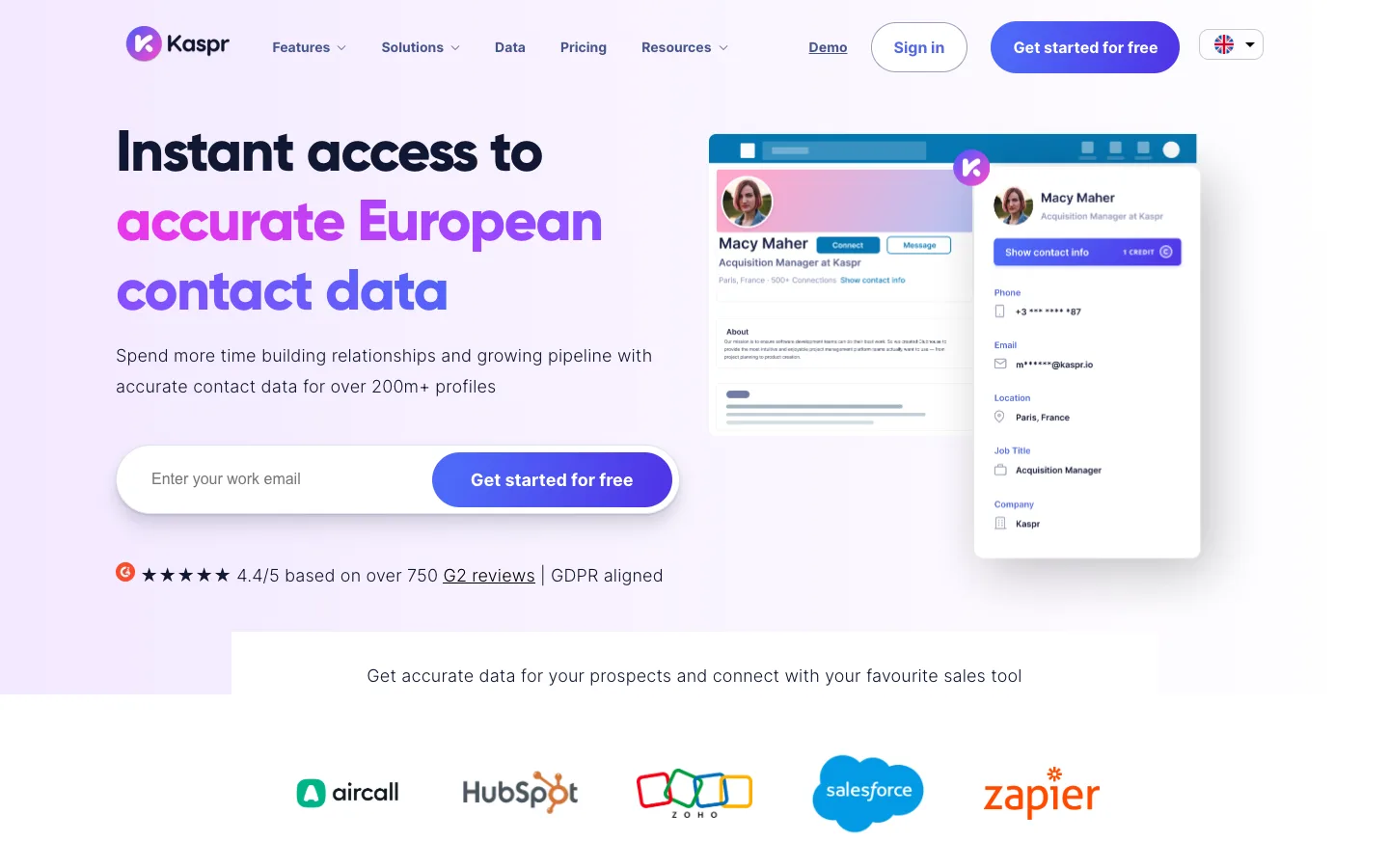
Best for: sales reps in Europe who call their prospects and want the number Dropcontact doesn't give.
Kaspr lives in Chrome. On a LinkedIn profile, it shows the prospect's email and number when it finds them, with no file involved. The free plan also covers enrichment of small CSV files.
Pricing: 15 B2B emails and 5 numbers a month for free. €45/month per user billed yearly for Starter (€59 monthly), with unlimited B2B emails and 100 numbers a month. €79 billed yearly for Business (€99) and 200 numbers.
Limit: Kaspr finds contact details, it sends nothing. No sequences, no messages.
G2 rating: 4.4/5 from 836 reviews.
"Very intuitive and effective tool for lead generation !" Fabien M., June 2024, G2
Dropcontact alternatives with phone numbers and data outside Europe
Dropcontact enriches the contacts you already have. To find new ones, with their phone numbers, anywhere in the world, you need a contact database.
7. Lusha: numbers in one click, beyond Europe
Best for: solo sales reps and small teams who want an email or a number right away, without running a file enrichment.
Lusha is a browser extension plugged into a contact database. Count 1 credit for a verified email and 5 for a number.
Pricing: free up to 40 credits a month. After that, Starter gives 400 credits for $49.90 month to month or $37.45 billed yearly, and Pro 600 credits for $69.90 or $52.45 billed yearly.
Limit: numbers drain the balance fast (5 credits each). On yearly plans, unused credits start over at zero at the end of the year.
Capterra rating: 4.0/5 from 398 reviews.
"Really friendly support team, and the platform and browser extension are really easy to use" James W., March 2025, Capterra
Lusha's competitors are reviewed in the Lusha alternatives.
8. Apollo: search who to contact, anywhere in the world
Best for: teams prospecting outside Europe who need to find new contacts, beyond completing a file.
Apollo combines a B2B contact database and an email sequencing tool. You filter by job title, industry, company size or country, reveal the email or number with credits, and write from the same tool. It's the opposite of Dropcontact's philosophy, which stores nothing.
Pricing: free plan with no time limit, then Basic, Professional and Custom. The pricing page doesn't show amounts as text: check them on apollo.io/pricing. On the free plan, email campaigns only work with a Gmail account.
Limit: a worldwide database isn't always up to date, and Apollo relies on stored data. If GDPR is your top criterion, check this point with your DPO.
G2 rating: 4.7/5 from 9,857 reviews.
"The functionalities allow for a centralized view of your pipeline, activities, lead conversions" Ruxandra G., February 2025, G2
To go further: the Apollo.io alternatives and the RocketReach alternatives.
How to choose your Dropcontact alternative
Ask yourself three questions:
Enrich or prospect? To complete a CRM or a CSV: Icypeas, Hunter, FullEnrich or BetterContact. To reach your LinkedIn prospects right after: Waalaxy finds their emails and launches the campaign.
Need phone numbers? Dropcontact gives none in its Email Finder plans. Kaspr and Lusha give them from an extension, FullEnrich and BetterContact through a waterfall.
GDPR first? Dropcontact, Icypeas, FullEnrich and BetterContact all state GDPR compliance on their websites. Stored databases (Lusha, Apollo) need a check on your side.
A found email isn't a reply
A well-enriched file is still a file. As long as nobody writes to those contacts, your enrichment subscription brings in zero meetings.
If your prospects are on LinkedIn, skip the CSV step: you import the search, the email gets found along the way, and the invitation, message and follow-ups go out on their own.
And if CRM cleaning stays your real need, keep an enrichment tool next to it: the two work well together.
What is waterfall enrichment?
Waterfall enrichment means querying several data providers one after the other:
The first provider looks for the email or phone number.
If it finds nothing, or data that fails verification, the next one takes over.
The tool stops as soon as valid data is found, and you only pay for that result.
Why it works: each provider has its strong spots (a country, an industry, mobile numbers…). By combining them, FullEnrich and BetterContact find more contacts than a single source. The downside: you depend on providers you don't pick, and mobile numbers stay expensive in credits.